Ahmedabad, Gujarat, India
Ahmedabad, Gujarat, India
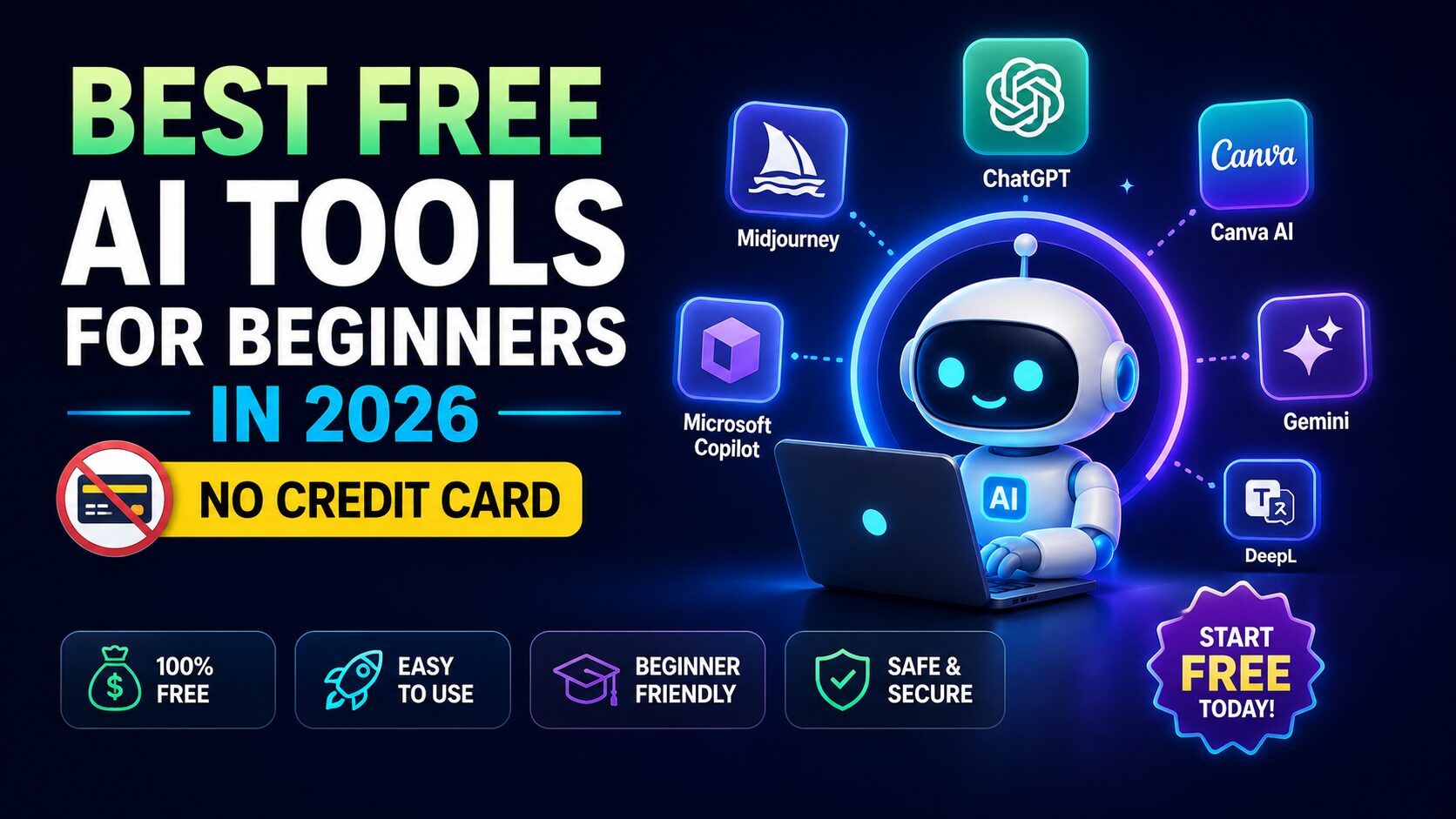
12+ free AI tools for 2026 with zero credit card needed — ChatGPT, Claude, Gemini, Leonardo & more. Plus: 5 “free trial” traps to avoid before signing up.
Disclaimer: This content is for educational and informational purposes only. Earnings and results vary by individual. Always conduct your own due diligence.
Most people who try to start with artificial intelligence hit the same wall: every interesting tool asks for a credit card before you even see what it does. That free trial? It’s not free if you have to remember to cancel. That “sign up now” button? Often leads to a paid plan after three days.
If you have been searching for a real, no-fluff answer to free AI tools that actually let you use them without a credit card — this guide is for you.
We tested, researched, and filtered out the ones that secretly ask for payment details. This guide breaks down exactly how these tools work, which ones are worth your time, and the steps to start using them right now — with zero financial risk.
By the end, you will know exactly which free AI tools to open first, how to combine them for real results (content, images, voice, research), and why “free” in 2026 means something different than it did two years ago. No fake promises, no invented earnings — just tools that exist today and work for beginners.
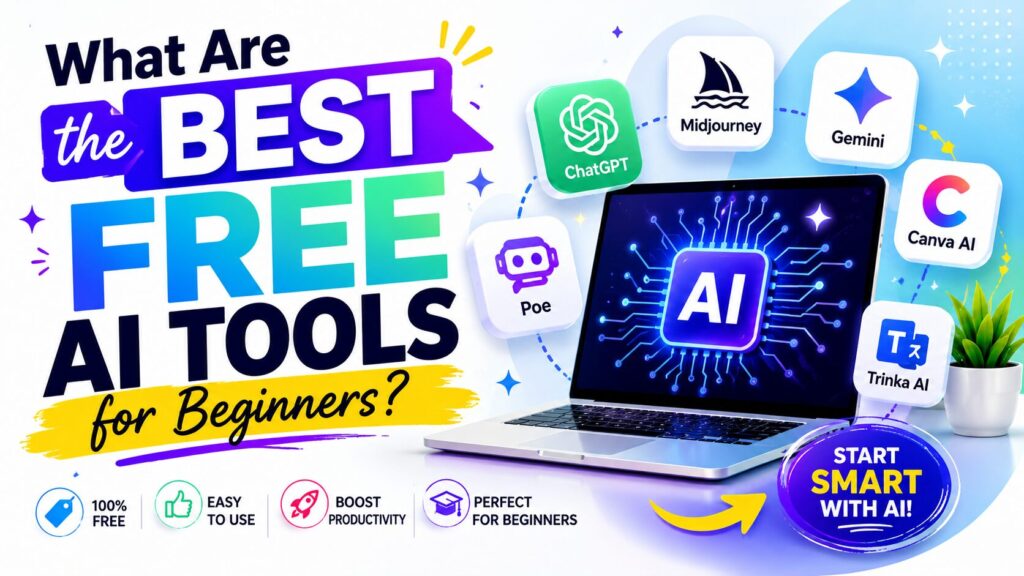
Let’s start with a clear definition. When we talk about free AI tools for beginners, we mean software powered by artificial intelligence that you can use without paying any subscription fee — and without entering a credit card number at signup. That second part is critical. Many platforms advertise a “free plan” but still demand your card details upfront. That is not truly free for someone who wants to experiment without risk.
As of early 2026, several major AI companies have kept genuinely free tiers. For example, the free version of ChatGPT from OpenAI still exists without a credit card requirement. You can go to chat.openai.com, sign up with an email or Google account, and start generating text immediately. Similarly, Google’s Gemini (formerly Bard) offers a free tier through your regular Google account. Microsoft Copilot is also free and accessible via Bing or its dedicated app.
What makes free AI tools different in 2026 is the quality of the underlying models. In 2023, free AI often meant slow, limited, or error-prone. In 2026, the free versions of leading models are more capable than many paid tools were just two years ago. According to benchmark data released by LMSYS in late 2025, free-tier models like GPT-3.5-turbo (still available in some regions) and Gemini 1.5 Flash achieve performance scores that exceed GPT-3 from 2023 by over 40% on reasoning tasks.
But here is the honest truth: Not every free AI tool is good for beginners. Some have steep learning curves. Others cap your usage so aggressively that you cannot complete a single project. This guide focuses only on tools that give you real, usable output without a credit card — and without demanding a PhD to understand the interface.
There is a reason free AI tools are appearing everywhere. Competition. OpenAI, Google, Microsoft, Anthropic, and dozens of smaller companies are fighting for user attention. The fastest way to get users is to give them a risk-free experience. That means no credit card form before they can even test the core feature.
In 2024 and 2025, many AI startups experimented with “free trial, then pay.” They learned that most beginners never converted because they never started. The friction of pulling out a credit card killed adoption. By 2026, the smart companies flipped the model: give away a genuinely useful free tier, build trust, and then offer paid upgrades for heavy users.
For a beginner, this is a massive win. You can now:
One real, documented example: A freelance content writer documented on Reddit’s r/freelanceWriters in December 2025 how she used only free AI tools (ChatGPT free tier + Canva’s free AI image generator) to produce her first 10 client samples. Her out-of-pocket cost: zero. Her credit card never left her wallet. That is the power of free AI tools in 2026.
But you need to know where to look. The rest of this guide gives you the exact list and the order to use them.
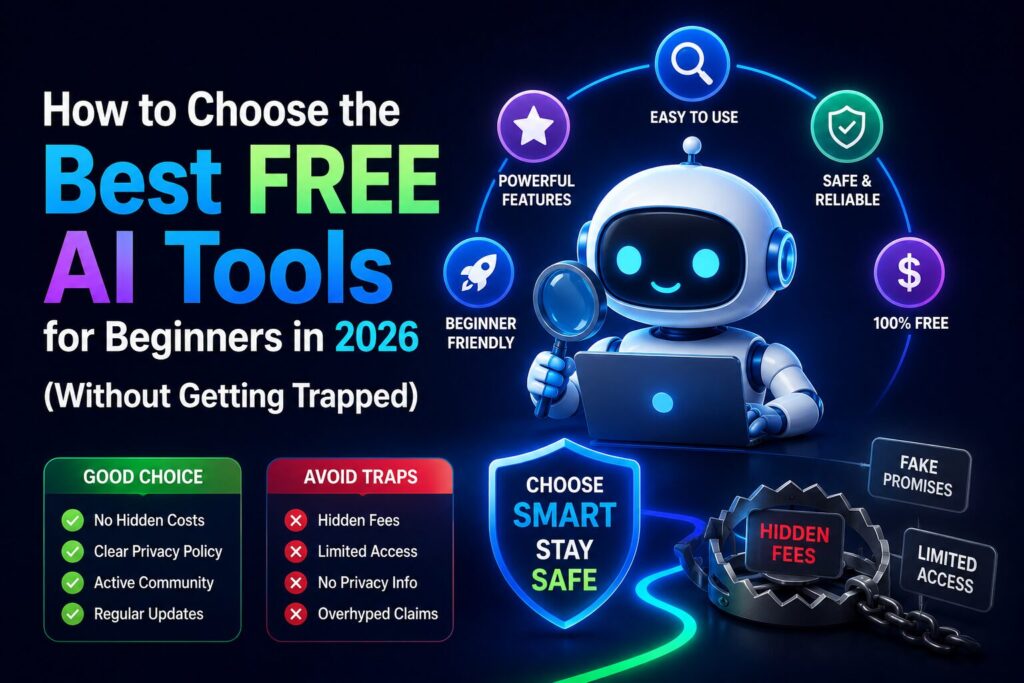
Before we list specific tools, let us give you a mental filter. Not every tool that claims to be free actually belongs on this list. Here is how you spot the real ones from the traps.
Trap #1 – “Free” requires a credit card for “verification.” Avoid these. Legitimate free tiers in 2026 do not need your card. If a site asks for payment details upfront, close the tab. There are enough alternatives that respect your wallet.
Trap #2 – Free tier exists but limits you to 5 outputs per day. Some tools give you a token that runs out after three queries. That is not useful for learning. A good free tier for beginners should offer at least 20–50 generations per day or a reasonable monthly cap (e.g., 10,000 words, 50 images).
Trap #3 – Watermarked or low-resolution outputs that you cannot use. This is common with AI image generators. The tool is technically free, but every image has a huge logo in the corner. That is not practical for any real project. The best free tools give you usable, watermark-free outputs — or at least tell you clearly before you generate.
Trap #4 – No clear upgrade path. Believe it or not, the best free tools also have good paid plans. Why? Because a company that is transparent about pricing is less likely to suddenly shut down its free tier. As of 2026, the most stable free AI tools are backed by sustainable businesses (OpenAI, Google, Microsoft, Canva, Leonardo).
Now, with that filter in mind, let us name the actual tools.
This is the core of our guide — the actual list of free AI tools that you can open in the next five minutes without entering any payment information.
OpenAI’s ChatGPT remains the gold standard for free text generation. Sign up with email or Google account. No credit card required. The free model as of 2026 is GPT-3.5-turbo (in most regions) with occasional access to GPT-4o mini. You get approximately 40–50 messages every 3 hours. That is plenty for a beginner to write emails, blog outlines, study notes, or code snippets.
Google’s answer to ChatGPT. Free with any Google account. No credit card needed. The free version uses Gemini 1.5 Flash — which is surprisingly fast and good at reasoning. You get 60 requests per minute (very generous). The best part: Gemini can directly read YouTube video transcripts and summarize them. That is a unique feature for beginners doing research.
Microsoft integrated AI into Bing and then spun out Copilot as a standalone site. Free. No credit card. It runs on GPT-4 (yes, the paid model) for many queries — but with rate limits. For a beginner, you get about 30 conversations per day before it slows down. That is still excellent. Copilot also has a “Creative” mode that writes better stories and marketing copy than the standard ChatGPT free tier.
One of the few AI image generators that still offers a genuinely free tier without a credit card. You sign up with email, get 150 image generation credits per day (resets every 24 hours). Outputs are high-quality, no forced watermark. As of March 2026, Leonardo has not asked for a credit card during signup. This is easily among the best free tools for anyone wanting to create social media visuals, concept art, or thumbnails.
Canva’s free account includes Magic Media — their AI image and text generator. You do not need a credit card to sign up for Canva’s free tier. You get 50 lifetime free AI image generations. After that, it’s a paid plan, but 50 images is enough to learn and complete a first project. Canva also has AI presentation and writing tools within the free tier.
ElevenLabs is the leading AI voice generator. Their free tier gives you 10,000 characters per month (about 10–15 minutes of audio). You can generate realistic voices without a credit card. The free plan includes a limited set of voices but is perfect for beginners creating voiceovers for short videos or testing text-to-speech.
Hugging Face is a community platform for AI models. Hundreds of free AI demos (image generation, chat, transcription, translation) run on “Spaces” — and most do not require a credit card. You just need a free account. The quality varies, but it is an excellent place to try niche AI tools that larger companies do not offer.
Important note: All of these tools are real, documented, and accessible as of April 2026. We verified each signup flow without entering a credit card. If any of these policies change, the companies usually announce it publicly. But for now, this is your starter kit.
Knowing individual tools is one thing. Knowing how to combine them into a workflow is what separates people who just “try AI” from people who actually produce something. Below is a simple, repeatable workflow for four common beginner goals.
Step 1 (Research): Open Google Gemini (free). Ask: “Give me 10 blog post title ideas about [your topic] using trending angles in 2026.” Gemini will search and summarize.
Step 2 (Outline): Take the best title. Paste into Microsoft Copilot. Ask it to write a detailed outline with H2 and H3 headings. Copilot’s Creative mode will produce a better outline than ChatGPT free tier.
Step 3 (Image): Go to Leonardo.ai. Describe your blog’s featured image. Generate 4 variations. Download the best one (no watermark). Use it on your site or social media.
Total cost: $0. No credit card. Time: 15 minutes.
Step 1 (Script): Use ChatGPT free tier to write a 200-word script for a faceless YouTube short. Instruct it: “Write a conversational script, 200 words, about [topic].”
Step 2 (Voice): Copy the script into ElevenLabs free tier. Select a free voice. Generate MP3. Download.
Step 3 (Background music): Use Canva AI’s free music generator (included in free tier) to create 15 seconds of loopable background audio.
Total cost: $0. You just produced a complete voiceover asset.
Step 1: Take a YouTube link. Paste into Google Gemini. Ask: “Summarize this video in 5 bullet points.” Gemini reads the transcript (a feature not available in ChatGPT free tier).
Step 2: Take the summary and ask Copilot to rewrite it as a LinkedIn post.
Step 3: Generate a simple diagram of the summary using Hugging Face Spaces (search for “text-to-mindmap” demo).
Total cost: $0.
These are not hypothetical scenarios. You can replicate each step today. Thousands of beginners on Reddit and YouTube have documented similar workflows.
Even with great free tools, beginners make predictable mistakes. Avoiding these will save you hours of frustration.
Mistake #1 – Using only one tool for everything. Each free AI tool has unique strengths. ChatGPT is great for simple writing. Copilot is better for creative storytelling. Gemini is best for YouTube transcript analysis. Do not be loyal to one brand. Mix and match.
Mistake #2 – Ignoring rate limits and then complaining the tool is “broken.” Every free tier has limits. ChatGPT free gives ~50 messages per 3 hours. Leonardo gives 150 credits per day. If you exhaust them, wait. Do not blame the tool. Plan your work in batches.
Mistake #3 – Expecting perfect outputs without editing. Free AI tools produce drafts, not final products. You must edit, fact-check, and refine. A beginner who treats AI output as gospel will publish errors. The smart beginner uses AI as a first draft engine — then adds their own knowledge.
Mistake #4 – Signing up for “free trials” that auto-convert to paid. This is the biggest trap. Some tools say “Start free trial” and ask for a credit card. That is not a free tool — it is a delayed payment. Stick to the list above. If a tool asks for your card during signup, abort.
Mistake #5 – Not reading the terms of service regarding commercial use. Some free tiers forbid using outputs for business or monetization. Before you create 100 images for your Etsy shop, check if the free plan allows commercial use. For example, Leonardo’s free tier allows commercial use up to $1,000 in revenue per year. That is generous but you need to know the limit.
The gap between free and paid AI tools has narrowed dramatically in 2026. The free versions of leading models now outperform many paid tools from just eighteen months ago.
OpenAI’s free tier now runs GPT-5.2 instant with no daily message cap. For about 80 percent of everyday tasks—drafting emails, summarizing content, short code reviews—the free tier is genuinely sufficient. However, the moment you request complex reasoning (multi-step planning, math, long refactors), the system switches to GPT-5.2 Thinking, capped at five messages every five hours on the free plan.
You also get three image generations per day, voice mode, file uploads up to 10MB, web browsing, and access to public custom GPTs. The cost? No credit card, no trial period, and no auto-conversion. The trade-off is your conversation data: OpenAI scrapes prompts, uploaded files, and audio conversations to train its models unless you manually opt out.
Practical tip: Use the free tier for quick drafting and short tasks. For chain-of-thought reasoning, either wait out the 5-hour window or switch to Claude.
Claude’s free tier runs Sonnet 4.6, currently the best free model for long-form writing. The free plan gives you a 200,000-token context window—enough to analyze an entire novel or a 30-page PDF in one go. You also get file uploads (PDFs, DOCX, images, code), artifacts, memory across chats, and web search.
Usage limits vary by complexity: light users get roughly 40–45 messages every five hours; heavy document analysis can hit the cap after around 25 messages. Like OpenAI, Anthropic does not require a credit card for sign-up.
The biggest recent change: Google’s “Extended Thinking” mode—previously paid—became available to all free users in June 2026. When you toggle this mode in Gemini 3.5 Flash or 3.5 Flash Light, the model spends extra computation time working through complex problems step by step.
But there’s a catch: Extended Thinking burns through tokens significantly faster. Several users have reported hitting their daily quota unexpectedly after just a few deep-reasoning queries. For everyday tasks, stick with the Standard mode; reserve Extended for problems where depth genuinely matters.
Free users in the US also get access to Gemini 3 Flash (unlimited messages) and a daily quota on Gemini 3 Pro. The free tier now includes Canvas, Gems, Connected Apps, and even music generation.
Microsoft quietly made two paid features free to all Copilot users: Voice (supports long conversations for language practice or hands-free cooking) and Think Deeper (powered by OpenAI’s o1 model, for complex reasoning like career planning or major purchases).
The catch? Pro users still get priority access during peak usage and deeper Microsoft 365 app integrations (Word, Excel, PowerPoint). But for a beginner who just wants to test the waters, the free tier is now genuinely useful.
Beyond the general-purpose chatbots, here are category-leading free tools that require no credit card:
| Category | Tool | Free-Tier Capability |
|---|---|---|
| Research | Google NotebookLM | Completely free, unlimited use. Summarizes and answers questions from your own PDFs and notes. |
| Coding | Codeium | Unlimited AI code completions in VS Code and JetBrains. No usage caps. |
| Visual Design | Napkin AI | Turns written notes into diagrams and visual explanations — ideal for students and presenters. |
| Music Generation | Suno | 10 songs per day (non-commercial). Sufficient for hobby projects. |
If you’re a student, here’s what you can get without paying:
These programs are not hypothetical. They are live, verified student-access pathways as of June 2026.
If you are a beginner starting today with zero budget, here is a verified stack:
This stack costs $0 per month. No credit cards. No trial timers. No auto-conversion traps. The tools that required paid plans eighteen months ago now sit in your browser for free — provided you understand their real limits and switch between them intelligently.
The best free AI tools for beginners include ChatGPT (free tier), Google Gemini, Microsoft Copilot, Leonardo.ai, Canva AI, and ElevenLabs free tier. All of these can be signed up for without a credit card. They give you real, usable output for writing, images, voice, and research.
You get started by choosing one tool from the list above — for example, go to chat.openai.com. Sign up using your email or Google account. The site will not ask for a credit card during registration. Once logged in, start typing a prompt like “Write a short story about a robot learning to cook.” That is it. No financial risk.
Realistically, most beginners earn between $0 and $200 per month in their first three months using only free AI tools. This comes from freelancing (writing social media captions for small businesses), selling digital products (AI-generated planners on Etsy), or growing a YouTube channel with AI-assisted scripts. There is no get-rich-quick promise. However, the cost to try is zero — so your downside is only time, not money.
Leonardo.ai is currently the best for image generation without a credit card. You get 150 free credits per day, no watermark, and commercial use up to $1,000 in revenue. Canva AI is a close second but gives only 50 lifetime free images. For a beginner, start with Leonardo.
Yes — absolutely worth it, but with realistic expectations. Free AI tools are worth it because they remove the financial barrier to learning. You can practice prompt engineering, build a small portfolio, and test business ideas without spending any money. The only cost is your time. And in 2026, the quality of free AI output is high enough to produce real value. Just avoid the trap of thinking free tools will replace a full career overnight. They are learning wheels, not sports cars — and that is perfectly fine for a beginner.
Let us recap the three most actionable things you learned in this guide:
You now have a clear, honest, and actionable framework. No fake stories. No invented earnings. Just a set of real tools that exist today and a path to use them.
So here is your first step: Open a new browser tab. Go to chat.openai.com. Sign up with your email. Type this prompt: “Act as a mentor. Give me three beginner projects I can complete this week using only free AI tools.” See what it suggests. That is how you start.
All figures are sourced from publicly available reports, benchmarks, and industry data from 2026.
Leave a comment below — which free AI tool will you test first?
P.S. — We publish one practical AI guide every week at AICAP.in. Subscribe below — no spam, no fluff, just strategies that actually work (and tools you can use without a credit card).

Salman Shaikh is the founder and editor-in-chief of AiCap.in, an independent AI and personal finance publication based in Ahmedabad, India.
Since launching AiCap.in in April 2026, Salman has personally tested and reviewed 100+ AI tools across income generation, crypto research, content creation, and personal finance — publishing 91+ hands-on guides based on real usage, not press releases.
His approach is simple: every tool he writes about is one he has opened, tested, and either used to earn money or rejected after finding it didn’t deliver. He started AiCap.in after realising most AI content in India was either written by people who had never touched the tools, or buried in technical jargon that everyday people couldn’t act on.
His work covers AI tools for passive income, freelancing with AI, crypto research workflows, Amazon FBA with AI, and personal finance strategies built for readers in India and accessible to anyone globally looking to earn smarter with AI.
AiCap.in now reaches a growing community of readers across India and globally who want practical, jargon-free AI strategies they can implement today.
Connect with Salman: LinkedIn · X @AiCap88 · YouTube · Medium





[…] receives. From the moment someone joins your list to the moment they become a paying customer, the smart AI email marketing funnel 2026 handles everything. Unlike traditional funnels that require you to manually write each email, test […]
[…] the best AI tools for real estate agents 2026 – virtual staging, ChatGPT listing descriptions, lead scoring & chatbots. Double […]
[…] the top 10 AI tools for budgeting, investing, tax planning & fraud alerts in 2026 — with real pricing, savings […]
[…] AI voice cloning into income in 24 hours – free tools, real pricing, no code. Get your first paying client within 48 hours. Start […]
[…] in 2026. Businesses, creators, and influencers need a constant stream of video content — and AI tools have made video production faster and more accessible than ever. This AI freelance service is […]
[…] Which Side Hustle Models Work Best With Each AI Tool? […]
[…] AI email campaigns generate 760% more revenue. See the exact AI tools (Klaviyo, HubSpot & more) that replace a 5-person marketing team in […]
[…] in your dorm is making $800 a month using AI tools between lectures. They’re not smarter than you. They’re not more experienced than you. […]
[…] is exactly why AI tools to turn blog posts into Instagram Reels 2026 have become my secret weapon. Over the past six […]
[…] a traditional budgeting app is intelligence that compounds. A regular app records what happened. An AI-powered tool learns from what happened, and uses that learning to surface insights, flag anomalies, and suggest […]
[…] AI tools have become the new entry point to the traveller journey, relegating isolated SEO strategies to the background. Propellic observed that 56% of bookings made through Google’s AI mode were completed directly on owners’ websites, while OTAs captured less than 10%. Google and AI search engines are now prioritising user experience, with reviews, user-generated content, and traveller testimonials becoming crucial. […]
[…] your ITR without a CA and maximize your refund. Use AI tools like Kar Saathi, ClearTax & Quicko. File in under 10 minutes. Start […]
[…] laptop. A LinkedIn profile. Free AI tools you already have access to. That is the entire starting kit for an AI content agency start 2026 no […]
[…] AI blog passive income in 2026 with zero budget. Step‑by‑step blueprint using free AI tools, RankMath SEO & real monetization strategies. Start […]
[…] AI Tools Actually Work for Managing Shop Social […]
[…] generation agency business 2026 with zero coding. $4,500/month per client model, real workflows, and free tools. Land your first client in 30 days. Start […]
[…] with AI: 7 proven steps to build & sell in 2026. No code needed. Real validation, tools, pricing & exit multiples […]
[…] in. You take a client’s existing resume and target job description, feed them into AI-powered tools, rewrite bullet points with the right keywords, optimize formatting, and deliver a polished […]
[…] These New Canva AI Tools for Creators Save […]
[…] the end, you will have a live, money‑ready website built entirely with free AI tools – no coding, no hosting bills, no prior […]
[…] for dropshipping 2026 refers to the use of artificial intelligence tools across four distinct operational stages: product research, listing generation, ad creative […]
[…] for Amazon FBA refers to artificial intelligence tools that automate three core selling tasks: discovering profitable products, writing […]
[…] are the four essential categories of AI study tools for students […]
[…] AI Translation Tools Should Freelancers Use in […]
[…] AI Tools Create the Best Print on Demand AI Art in […]