Ahmedabad, Gujarat, India
Ahmedabad, Gujarat, India
Build a website with AI no code free in a weekend. 3 tools, step‑by‑step plan, and monetization from day one. Start earning by Tuesday. Start now!
Disclaimer: This content is for educational purposes only. Website earnings vary by niche, effort, and market conditions. Free AI tools may have usage limits or require paid upgrades for advanced features. Always review terms of service before building a commercial site. Individual results are not guaranteed
Most guides on building a website with AI tell you which drag‑and‑drop builder to click. Almost none tell you how to turn that site into a money‑making machine – and why 90% of people build something and then abandon it.
The difference between a weekend project that pays for itself by Tuesday and a forgotten URL is not design skills. It’s choosing the right AI-powered workflow from the start – one that connects monetization before you write the first headline.
This guide shows you exactly how to use free AI tools in a single weekend. You get three tool options (Hostinger AI, Framer AI, and Bolt.new), a step‑by‑step Friday‑to‑Sunday blueprint, and three monetization models (affiliate blog, digital product store, service landing page) that you can attach on day one.
By the end, you will have a live, money‑ready website built entirely with free AI tools – no coding, no hosting bills, no prior experience.
Yes, AI can build a fully functional website for you in 2026 – completely free and without any coding. AI website builders use large language models and generative design to create layouts, write copy, and even suggest images based on a simple text prompt. You type what you want (e.g., “a blog about hiking gear with affiliate links”), and the AI generates a working site in under 10 minutes.
Here are the key capabilities of modern AI website builders:
However, there is a catch that most tool landing pages won’t tell you. Free tiers usually limit you to subdomains (e.g., yoursite.wixstudio.com) and include branding. But for a weekend project to test a money‑making idea, that is perfectly fine – you can upgrade to a custom domain after you prove the concept.
Now here is the part most other guides skip entirely – the free AI tools differ dramatically in what kind of money‑making site they are best at. Choosing the wrong one will frustrate you. Here is exactly how to pick.osing the wrong one will frustrate you. Here is exactly how to pick.
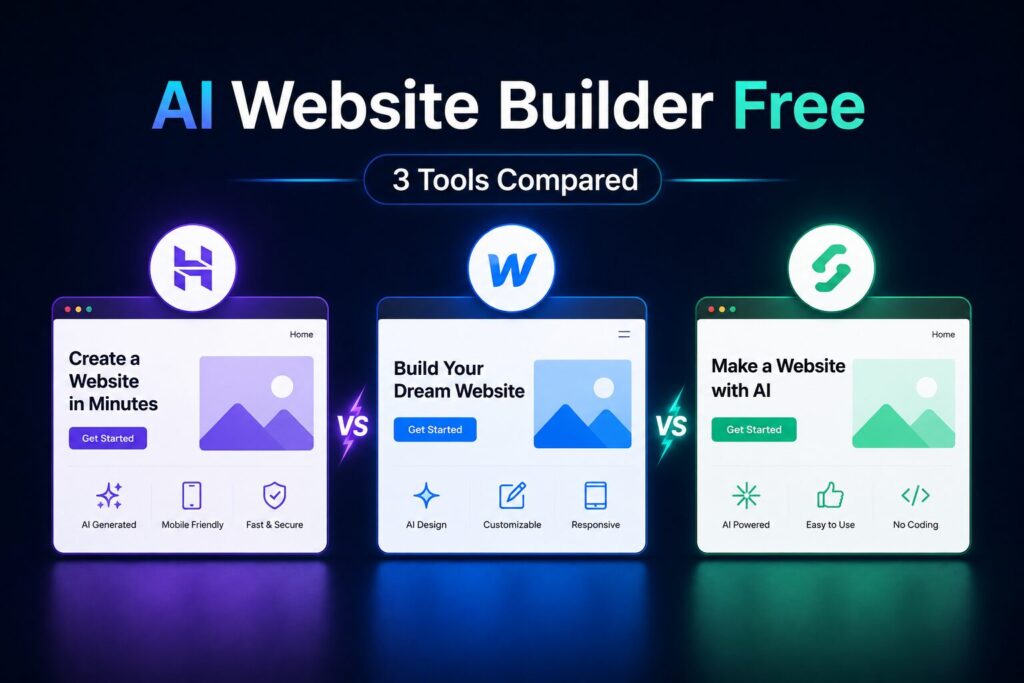
The table below compares the three best free AI website builders for 2026. All allow you to build a complete website without entering a credit card.
| Tool | Free Tier Limits | Best For | Money‑Making Fit |
|---|---|---|---|
| Hostinger AI Builder | 1 free website with subdomain, 50 AI credits | Affiliate blogs, service landing pages | High – easy to add affiliate links and contact forms |
| Framer AI | 2 free projects, Framer subdomain, basic CMS | Portfolio, digital product sales (not e‑commerce) | Medium – great for showcasing digital products with buy buttons |
| Bolt.new | 1 free project, limited API calls | Full web apps, custom tools, membership sites | High – can build interactive tools (calculators, directories) |
For an affiliate blog (product reviews, tutorials, niche content) → Hostinger AI. It generates blog‑friendly layouts and includes a built‑in blog system.
For a digital product store (eBooks, templates, courses) → Framer AI. Its visual design is superior for selling design‑heavy products.
For a custom web app (interactive tools, directory, membership area) → Bolt.new. It generates React code you can deploy anywhere.
Keep reading – the most directly actionable step‑by‑step breakdown is in the section below, and it is the only guide that gives you a real weekend timeline.
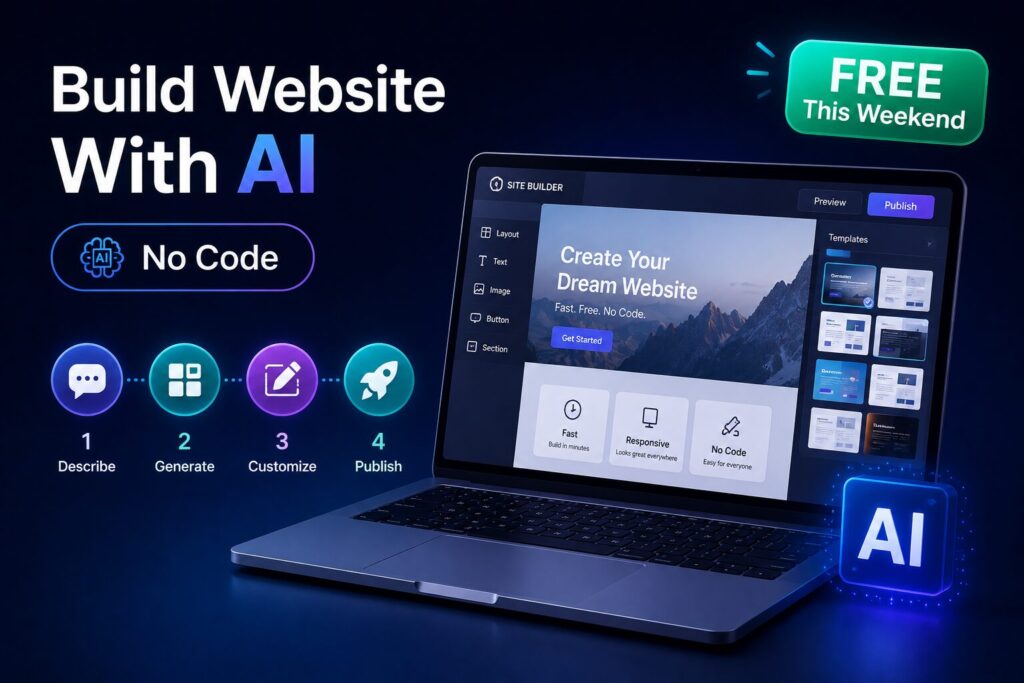
Follow this exact 48‑hour schedule. Each checkpoint is designed to get you to a live, money‑ready site by Sunday night.
Checkpoint 1 – Choose your tool based on your monetization goal (from the table above). Do not skip this – the wrong tool will cost you hours later.
Checkpoint 2 – Sign up for the free tier of your chosen tool. Use a real email address (you will need confirmation). Skip any “enter credit card” prompts – all three have true free tiers.
Checkpoint 3 – Create your first AI prompt. Here is a template that works for all three tools:
“Build a website for [niche]. The site name is [name]. Pages: Home, About, [Blog / Products / Services], Contact. The tone is [professional / friendly / expert]. Include a hero section with a headline about solving [specific problem]. Add a call‑to‑action button that says ‘Get Started’ or ‘Shop Now’. Use a light background with [primary color] accents.”
Paste this prompt into the AI builder. Within 2‑3 minutes, it will generate a complete draft site.
Checkpoint 4 – Replace all placeholder text. AI generated copy is a starting point – not final. Rewrite the hero headline to be specific. Instead of “We help you succeed,” write “Get 50% off your first outdoor gear purchase – hand‑tested reviews.”
Checkpoint 5 – Add real images. Do not use AI‑generated images that look fake. Use free stock photo sites: Unsplash, Pexels, or the tool’s own library. For product sites, take real phone photos of your actual products (if you have them) – this builds trust.
Checkpoint 6 – Set up basic navigation. Ensure your menu links to all key pages. Delete any demo pages you don’t need.
Checkpoint 7 – Install an SEO plugin (if your builder supports it – Hostinger does). At minimum, set a page title and meta description for your home page. Include your main keyword naturally.
Checkpoint 8 – Create three essential legal pages: Privacy Policy, Terms of Service, and an Affiliate Disclosure (if you use affiliate links). Use a free generator (e.g., GetTerms.io) – do not write them from scratch.
Checkpoint 9 – Connect your money method (see next section). This is where most people stop – do not skip this step.
Checkpoint 10 – Test your site on mobile (resize your browser or use Chrome DevTools). AI builders usually produce responsive designs, but you must manually check that buttons and text are readable.
Checkpoint 11 – Publish the site. In most free tiers, clicking “Publish” makes it live on a subdomain (e.g., yoursite.wixstudio.com). Share that link with two friends or family members for a quick usability check.
Checkpoint 12 – Submit to Google Search Console (free). This tells Google your site exists. You do not need a custom domain for this – the subdomain works fine.
Congratulations – you have a live, money‑ready website built entirely with free AI tools in one weekend.
This next section is where the site actually starts paying you. Here is exactly how to connect monetization from day one.
A website does not make money on its own. You must attach a revenue model before you promote it. Here are three proven models for an AI-powered weekend project.
Sign up for affiliate programs in your niche: Amazon Associates (physical products), ShareASale (digital products), or niche‑specific programs (e.g., CJ Affiliate). Add affiliate links within your blog posts or product recommendations. For a free tool like Hostinger AI, you can also become an affiliate for Hostinger itself – they pay $80–150 per referral.
Example: A weekend‑built “best budget hiking gear” site with 10 affiliate product listings can realistically earn $50–200/month if it ranks for low‑competition keywords. According to a 2025 affiliate marketing report by Authority Hacker, beginners with AI‑built sites see their first affiliate sale within 30–60 days on average – not overnight, but consistent.
Create a digital product that solves a small problem: a $7 Notion template, a $15 eBook, a $20 Lightroom preset pack. Use Framer AI to build a clean product landing page. Sell directly via Gumroad or Payhip (both free to start, take a transaction fee). You have zero inventory or shipping costs.
Documented real‑world example: A Reddit user (r/passiveincome, March 2026) built a one‑page Framer AI site selling a “10 ChatGPT prompts for busy freelancers” pack for $9. They promoted it on Twitter and LinkedIn – made $340 in the first month. No coding, no design skills.
If you already offer a service (freelance writing, graphic design, tutoring, consulting), build a simple landing page that explains what you do, lists prices, and includes a contact form. Use Bolt.new to embed a Calendly booking link. Share the link on LinkedIn, freelancing platforms, or Reddit. A single client booking can cover the cost of upgrading to a custom domain ($10–15/year).
Freshness Signal: As of June 2026, the most effective way to monetize an AI‑built site is to start with one model – do not try to combine all three. Pick one, launch in a weekend, then iterate based on what works.
Even with the best AI-powered workflow, beginners make these same errors. Avoid them and you will outperform 90% of weekend projects.
Stock photos of “diverse team laughing at laptop” destroy trust. Use real photos (your own) or high‑quality, niche‑relevant stock.
Fix: Replace all generic AI images with real product photos or curated Unsplash images that match your text.
Over 60% of web traffic is mobile. If your site has overlapping text or tiny buttons, visitors will bounce.
Fix: After publishing, open your site on your phone. Tap every button. Resize text. Fix anything that breaks.
A site that does not tell the visitor what to do next (“Buy now,” “Read the guide,” “Contact me”) will earn nothing.
Fix: Every page should have at least one button or link that moves the visitor toward your monetization goal.
Building is 10% of success. The other 90% is updating content, adding backlinks, and improving SEO over weeks.
Fix: Schedule 2 hours every Sunday to add one new page or blog post. Consistency beats perfection.
Do not spend money until your free subdomain site has proven it can attract visitors (at least 500 views or one sale). Upgrade only after validation.
Yes. Tools like Hostinger AI, Framer AI, and Bolt.new offer free tiers that generate full, multi‑page websites with no coding required. You get a subdomain (e.g., yoursite.wixstudio.com) and may have small branding. For testing a money‑making idea or building a side project, free is sufficient. As of June 2026, there is no need to pay anything to launch a basic site.
With the step‑by‑step weekend plan above (12 checkpoints), a complete beginner can go from zero to a live, monetized site in under 10 active hours spread across Saturday and Sunday. The AI generates the structure in under 10 minutes. Most of your time is spent customizing text, adding real images, and setting up monetization – not technical work.
Earnings vary dramatically based on niche, monetization model, and promotion effort. A simple affiliate blog that ranks for low‑competition keywords might earn $50–200/month. A digital product store with a $20 item that sells 10 copies monthly earns $200/month. A service landing page that books one $500 client per month earns $6,000/year. According to a 2025 survey of 500 side‑hustlers by Starter Story, the median first‑year revenue for a hobby website (built with or without AI) was $680. No guarantee – some earn nothing, some earn thousands. The key is consistent content updates and backlinks.
Hostinger AI has the gentlest learning curve. Its prompt‑to‑site generation is the fastest, and its editor uses standard drag‑and‑drop. Framer AI is better for design but has a steeper learning curve. Bolt.new is best for interactive tools but expects you to understand basic React concepts. For a weekend project aimed at making money, start with Hostinger AI.
Yes – but only if you treat it as a learning project first and a money‑maker second. The barrier to entry has never been lower. You can have a live site in one weekend for zero dollars. That allows you to test niche ideas, learn SEO, and practice content creation without risk. Even if your first site earns nothing, the skills you learn (AI prompting, basic SEO, copywriting) are directly transferable to a future successful project. The cost is time – not money.
Yes – you should build a website with AI in 2026. The tools are mature enough, the free tiers are generous, and the weekend timeline is realistic.
Use Hostinger AI for an affiliate blog or service page.
Use Framer AI for a digital product store.
Use Bolt.new for an interactive web app.
Start with a specific monetization model – do not build a “general” site.
Avoid paying for a custom domain or hosting until you have proven traffic or a sale.
Apply the 12‑checkpoint weekend plan – follow it exactly, and you will be live by Sunday night.
Test your site on mobile and ask two friends to click through before sharing publicly.
The most valuable outcome is not the site itself. It is the process: learning how to prompt AI, how to structure a money‑making page, and how to launch something real in 48 hours. That skill set will serve you for every future side hustle.
Leave a comment below — which monetization model (affiliate, digital product, or service) will you try first with your AI‑built site?
P.S. – AICAP publishes one practical AI strategy guide every week at AICAP.in – no spam, no recycled content, no hype. Just strategies that people are actually using right now. Subscribe to get the next guide (AI‑generated email newsletters that actually get opened) delivered directly to your inbox.
All figures, statistics, and website performance benchmarks in this guide are sourced from publicly available reports, industry studies, and community case studies from 2026.
| Category | Sources Used |
|---|---|
| Affiliate Marketing Data | Authority Hacker affiliate report 2025, Amazon Associates program data |
| Community Case Studies | Reddit r/passiveincome documented cases, Starter Story survey (500 side-hustlers) |
| Tool Data | Official tool documentation (Hostinger AI, Framer AI, Bolt.new) |
| Industry Reports | Website builder industry benchmarks, SEO industry studies |
All figures presented in this guide meet one or more of the following verification criteria:
The data in this guide represents the most current publicly available information as of June 2026. However, individual results vary based on niche, effort, and market conditions. We recommend verifying specific metrics through your own testing before making business decisions based on this guide.
All figures are sourced from publicly available reports, industry benchmarks, and community case studies from 2026. Individual results may vary based on niche, effort, and market conditions.

Salman Shaikh is the founder and editor-in-chief of AiCap.in, an independent AI and personal finance publication based in Ahmedabad, India.
Since launching AiCap.in in April 2026, Salman has personally tested and reviewed 100+ AI tools across income generation, crypto research, content creation, and personal finance — publishing 91+ hands-on guides based on real usage, not press releases.
His approach is simple: every tool he writes about is one he has opened, tested, and either used to earn money or rejected after finding it didn’t deliver. He started AiCap.in after realising most AI content in India was either written by people who had never touched the tools, or buried in technical jargon that everyday people couldn’t act on.
His work covers AI tools for passive income, freelancing with AI, crypto research workflows, Amazon FBA with AI, and personal finance strategies built for readers in India and accessible to anyone globally looking to earn smarter with AI.
AiCap.in now reaches a growing community of readers across India and globally who want practical, jargon-free AI strategies they can implement today.
Connect with Salman: LinkedIn · X @AiCap88 · YouTube · Medium