Ahmedabad, Gujarat, India
Ahmedabad, Gujarat, India

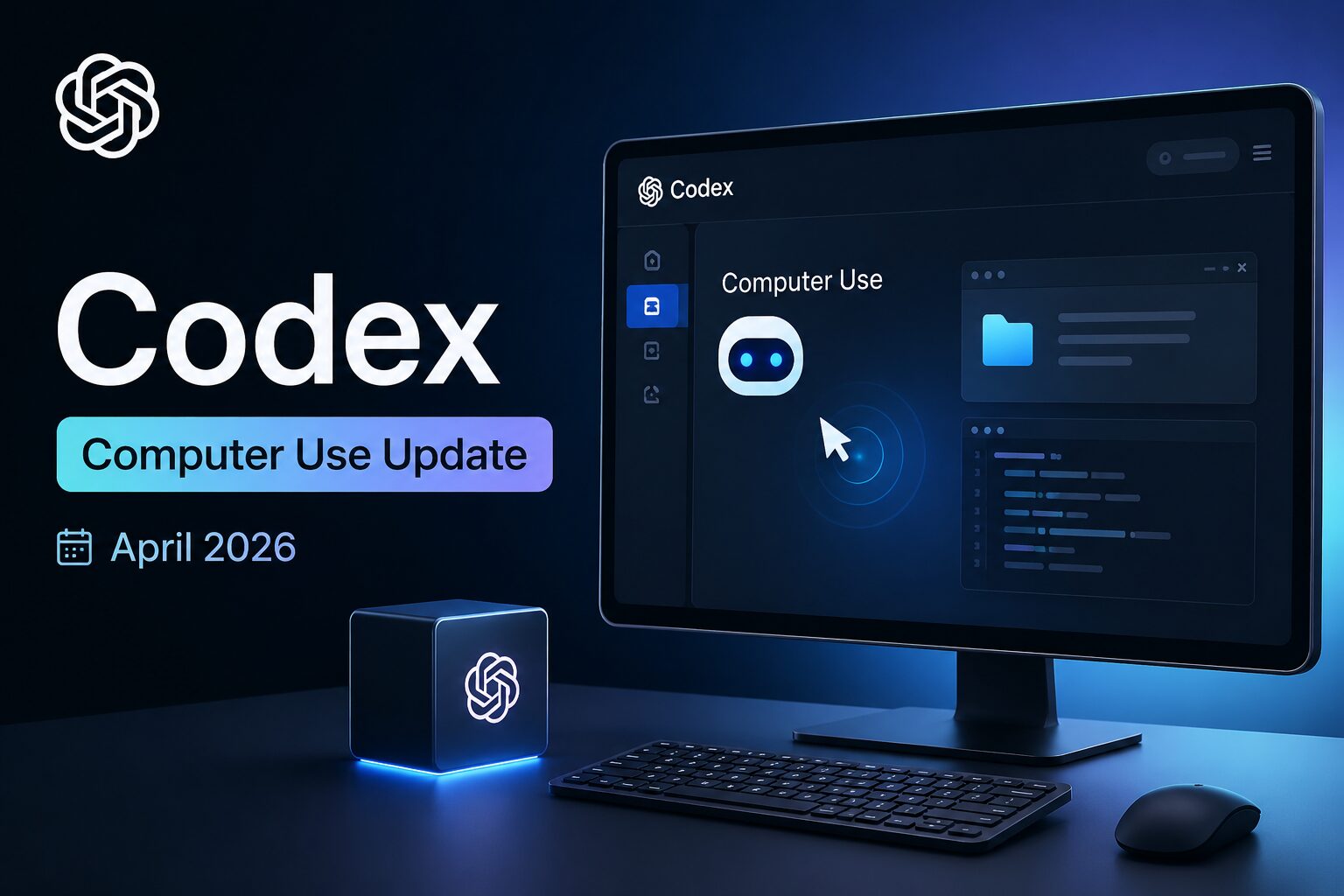
OpenAI Codex computer use update june 2026 – background computer use, parallel agents, and how to use it. Non‑technical breakdown. Start now.
Disclaimer: This content is for educational and informational purposes only. Results and automation capabilities vary based on your specific use case and setup. Always test thoroughly before deploying automation on critical business systems.
Most developers have grown used to AI helping them write code. But what if your AI could actually use your computer for you?
That is exactly what OpenAI delivered in April 2026. The company dropped a major update to its Codex platform, transforming it from a coding assistant into something far more ambitious. If you have been searching for a complete, no-fluff breakdown of the OpenAI Codex computer use update — this is it.
This guide explains exactly how the OpenAI Codex computer use update works in April 2026, what new features you can actually use, and how this positions Codex against rivals like Claude Code. By the end, you will understand whether this update changes how you work — and what it means for the future of AI coding agents.
The OpenAI Codex computer use update is the biggest change to Codex since its original launch. On April 16, 2026, OpenAI rolled out a new version of the Codex desktop app that fundamentally changes what the tool can do. Codex is no longer just a coding assistant. It is now a general-purpose AI agent that can operate your computer alongside you.
The update adds several major capabilities. Codex can now see your screen and interact with applications using its own cursor. It can run multiple agents in parallel without interrupting your work. It can generate images, browse the web, and remember your preferences across sessions. It can even schedule work for itself to complete hours, days, or even weeks later.
OpenAI says the goal is to make Codex “a more powerful partner for the more than 3 million developers who use it every week to accelerate work across the full software development lifecycle.” But the ambition goes well beyond that. Codex lead Thibault Sottiaux admitted in a media briefing: “We’re actually doing the sneaky thing where we’re building the super app out in the open and evolving it out of Codex.”
That is the real story. The OpenAI Codex computer use update is not just a feature drop. It is the first public glimpse of OpenAI’s plan to combine ChatGPT, the Atlas browser, and Codex into a single unified desktop environment.
The most impressive capability in this update is background computer use. Unlike traditional software that requires an API to communicate with other apps, Codex can now see the screen and interact with apps just as a human would.
With background computer use, Codex can use all of the apps on your computer by seeing, clicking, and typing with its own cursor. Multiple agents can work on your Mac in parallel without interfering with your own work in other apps. That means you could be typing an email while Codex is in the background testing a website or organizing your files.
For developers, this is useful for iterating on frontend changes, testing apps, or working inside software that does not expose an API. Codex can now open multiple files and terminal tabs, connect to remote development boxes over SSH, and take action based on GitHub review comments.
The OpenAI Codex computer use update also includes an in-app browser. Users can leave comments directly on web pages to guide the agent, a feature currently useful for frontend and game development. You can assess the work Codex is doing with web experiences and leave comments on specific parts of the page with instructions.
But perhaps the most powerful addition is scheduling. Codex can now plan work that it will do at a later time — hours, days, or even weeks in advance — and wake itself up to perform those tasks at the proper time. Teams already use automations for tasks such as progressing open pull requests, following up work items, and monitoring conversations across Slack, Gmail, and Notion.
The OpenAI Codex computer use update is not happening in a vacuum. According to industry analysts, it is the visible first phase of a much larger plan. OpenAI has been clear about its ambition to build a unified ‘super app’ that combines the powers of ChatGPT, the Atlas AI browser, and a beefed-up Codex into a single desktop environment.
This Codex update is a practical step toward that vision. By integrating native app control with OpenAI’s existing AI models, the platform is evolving from a specialized IDE extension into a versatile agent capable of handling a much wider range of professional tasks. The goal is no longer just to help you write functions, but to help you complete entire projects.
The update includes more than 90 additional plugins, combining app integrations, skills, and model context protocol servers. Named additions include Atlassian Rovo, CircleCI, CodeRabbit, GitLab Issues, Microsoft Suite, Neon by Databricks, Remotion, Render, and Superpowers. Inside the app, users can now open files directly in a sidebar and preview PDFs, spreadsheets, slides, and documents.
Codex can also use gpt-image-1.5 to create and refine images. The feature works with screenshots and code to produce product concepts, design mock-ups, and game assets within the same workflow. OpenAI has also introduced memory, letting Codex retain information from earlier interactions, including user preferences, corrections, and details that took time to gather.
One of the defining features of the OpenAI Codex computer use update is true parallel execution. The platform is built on a cloud-first, sandboxed architecture that allows multiple agents to run simultaneously in separate containers. If you have five separate feature tasks, Codex can run all five in parallel.
This is not just theoretical. Codex can run multiple terminal tabs and take action based on GitHub review comments, among other things. A new summary pane shows an agent’s plans, sources, and outputs in one place.
The update also focuses on retaining context over time. Automations can now re-use existing conversation threads, allowing Codex to preserve context from previous work rather than starting afresh with each task. OpenAI has also added scheduling, letting Codex set future work for itself and resume a task automatically. That could allow work to continue over days or weeks.
Using project information, connected plugins, and memory, Codex can suggest actions to help users resume work, including identifying open comments in Google Docs and pulling related context from Slack, Notion, and a codebase. This shifts Codex from a reactive tool to a proactive partner.
The technology behind the computer use feature is more sophisticated than simple screen recording. According to detailed reporting from MacStories, Codex leverages an accessibility tree — the same underlying technology that powers screen readers for macOS.
This allows Codex to ingest the full interactive structure of any window, converting all UI elements into contextual data for its models. It then uses its own cursor to move, click, and type across apps, even those without any external APIs. This technique gives Codex a level of precision that pure vision-based models have struggled to achieve.
The feature that OpenAI rolled out in Codex is literally based on the Sky app that MacStories exclusively previewed last year, which was later acquired by OpenAI along with the team that built it. Codex now features what has been called the best computer use feature tested in any LLM or desktop agent. Even the slower GPT-5.4 model is faster than Sky ever was. Using fast mode or the Cerebras-hosted GPT-5.3-Codex-Spark model yields dramatically faster performance.
Most computer use models rely on a combination of screen-recording capabilities and basic AppleScript simulation. Codex is different. It uses advanced accessibility frameworks to parse the full hierarchy of any application window. This is not easy — these frameworks return a lot of text about any possible UI element, often so deeply nested that you need to navigate 20 levels deep to find what you need. But Codex handles it.
The timing of the April 2026 OpenAI Codex computer use update was no coincidence. It came directly in response to Anthropic’s Claude Code, which had established an early lead in the “agents that control your screen” category. Anthropic introduced computer use capabilities with Claude 3.5 Sonnet in late 2024, and by March 2026, they had integrated that functionality into their developer products.
The battle for AI supremacy has entered a new phase. According to benchmark data, the two tools take different approaches. Claude Code achieves 72.5% on SWE-bench compared to Codex’s approximately 49% — a 23-point gap on real-world GitHub bug fixes. However, Codex uses approximately 3x fewer tokens for equivalent tasks, making it more cost-efficient on simple tasks.
On Terminal-Bench 2.0, GPT-5.3-Codex achieves 77.3% compared to Claude Opus 4.6 at 65.4%. Codex leads SWE-bench Pro at 56.8% versus Claude Code’s 55.4%. The picture is nuanced: Claude Code produces more thorough, production-ready code with fewer errors. Codex produces code faster and cheaper on straightforward tasks.
Claude Code operates locally on your machine, accessing your file system and running commands in your terminal. Codex operates in cloud-based sandboxed environments, enabling native parallel task execution. Both cost $20 per month base, but Codex’s CLI is open source under Apache-2.0, while Claude Code’s CLI is not.
The OpenAI Codex computer use update is powered by GPT-5.3-Codex, released in February 2026. The model achieved 56.8% on SWE-Bench Pro, 77.3% on Terminal-Bench 2.0, and 64.7% on OSWorld-Verified. For context, the previous state-of-the-art sat at 55.6%, 62.2%, and 37.9% respectively on those same benchmarks. The jump is not marginal — it is decisive.
More remarkably, GPT-5.3-Codex is the first model that was instrumental in creating itself. The Codex team used early versions to debug its own training run, manage its deployment, and diagnose test results. When your AI tool becomes your co-pilot in building the next version of that same AI tool, you have crossed a threshold.
OpenAI also released Codex-Spark in February 2026, developed in partnership with AI inference hardware company Cerebras. Spark achieves inference speeds exceeding 1,000 tokens per second. OpenAI’s stated reason: “When model capabilities get stronger, interaction speed becomes a clear bottleneck.” The difference between standard inference at roughly 65-70 tokens per second and Spark’s 1,000+ tokens per second is immediately noticeable in real-world use.
According to OSWorld-Verified benchmarks, GPT-5.3-Codex scores 64.7% on computer use tasks. Humans score approximately 72% on these tasks, meaning the model is approaching human-level performance on computer operations that require multi-step reasoning and visual understanding.
The OpenAI Codex computer use update arrives amid explosive growth. On April 8, 2026, Sam Altman announced that Codex had reached three million weekly users — a 5x increase in three months, with 70% month-over-month user growth. By early May 2026, Codex downloads had surpassed Claude Code.
To accommodate this growth, OpenAI introduced a new **$100 per month ChatGPT Pro tier** on April 9, 2026, aimed specifically at heavy Codex users. The plan offers five times the Codex usage of the $20 Plus tier, making it better suited for longer, more intensive coding sessions. Through May 31, 2026, new subscribers get ten times the usage of Plus as a launch promotion.
OpenAI now offers five personal subscription tiers:
| Tier | Price | Codex Usage |
|---|---|---|
| Free | $0 | Limited access |
| Go | $8/month | Basic access |
| Plus | $20/month | Standard access |
| Pro 5x | $100/month | 5× Plus usage |
| Pro 20x | $200/month | 20× Plus usage |
With this addition, OpenAI’s pricing for Codex now closely mirrors Anthropic’s Claude Max structure. The $100 Pro tier targets “longer, high-effort Codex sessions” that Plus subscribers hit the ceiling on, while the $200 Pro provides 20 times the usage of Plus.
Codex’s annualized revenue hit **$10 billion** in early 2026, up from $5-6 billion previously. The total AI coding assistant market has surged from $500 million to $5-6 billion in annual revenue across all players, with GitHub Copilot leading at 75% usage among developers, followed by ChatGPT at 74% and Claude at 48%. Codex itself is used by 21% of developers according to a survey of 1,100 developers.
The developer community has responded to the OpenAI Codex computer use update with a mix of excitement and caution. The raw capability is undeniable, with some early testers calling this the best computer-use feature they have ever tested. However, the security implications have been a major topic of discussion. The functionality requires granting the AI agent significant access to your operating system, which OpenAI isolates using macOS sandboxing technologies.
OpenAI has responded with Codex Security, an application security agent that entered research preview in March 2026. In its first 30 days of beta testing, it scanned over 1.2 million commits, discovered 792 critical-level vulnerabilities and over 10,000 high-risk issues across major open-source projects including OpenSSH, GnuTLS, and Chromium. False positive rates dropped by over 50%, with noise reduced by 84%.
Inside OpenAI itself, the shift is already complete. The company announced that by March 31, 2026, any technical task would use agent-first tools rather than editors or terminals. Codex team members report they rarely open traditional IDEs anymore. Codex lead Alexander Embiricos noted that traditional frontend, backend, and infrastructure roles are rapidly blurring, with everyone expected to have stronger full-stack capabilities.
The OpenAI Codex computer use update marks a clear threshold: AI-powered desktop agents have moved from research preview to standard feature in consumer subscription products. For developers using ChatGPT Plus and Pro plans, this functionality is live. It is initially available for macOS, excluding the EU and UK at launch, with broader availability expected later.
The OpenAI Codex computer use update is an April 2026 release that gives Codex the ability to see your screen, click and type using its own cursor, and interact with any application on your Mac. It can run multiple agents in parallel without interrupting your work and can schedule tasks for hours or days in advance.
Download the Codex desktop app for macOS and sign in with your ChatGPT account. The computer use features are available to ChatGPT Plus, Pro, and Enterprise users. Personalization features including memory and context-aware suggestions will reach Enterprise, Edu, and EU and UK users later. The update is currently macOS-only.
Codex is included with ChatGPT subscriptions. Free tier users have limited access. Plus subscribers pay $20 per month. New Pro tiers at $100 and $200 per month offer 5x and 20x more Codex usage respectively, targeting developers with longer, high-effort coding sessions.
There is no single winner. Claude Code achieves higher SWE-bench scores (72.5% vs ~49%) for complex real-world coding tasks. Codex uses 3x fewer tokens for equivalent tasks, supports native parallel execution, and has an open-source CLI. Codex also leads on Terminal-Bench 2.0 (77.3% vs 65.4%). Choose based on your workflow.
Yes, but with appropriate caution. The ability to run parallel agents, schedule long-running tasks, and control desktop applications without APIs is genuinely transformative. However, the security implications require careful consideration. Start with low-risk tasks like app testing or frontend iteration and review all generated code before committing.
The OpenAI Codex computer use update is not just another feature release. It is a fundamental shift in what an AI coding assistant can do. Codex has evolved from a tool that writes code to a partner that can actively participate in your entire workflow.
The update brings three breakthrough capabilities. Background computer use lets Codex interact with any app on your Mac using its own cursor. Parallel execution means multiple agents work simultaneously without interrupting your work. Scheduling and memory let Codex remember your preferences and complete tasks over days or weeks.
The market is responding. Three million developers now use Codex weekly, up fivefold in three months. OpenAI has introduced dedicated pricing tiers for power users. The total AI coding market has grown from $500 million to $5-6 billion in annual revenue.
The creators who succeed in this new landscape are not the ones who resist AI agents. They are the ones who learn to delegate effectively, review strategically, and focus their human attention where it matters most.
The OpenAI Codex computer use update is available now on macOS for ChatGPT subscribers. Try it on a low-stakes task first. See how it feels to have an AI agent working alongside you.
Leave a comment below. What workflow are you planning to automate first with Codex’s new computer use features?
P.S. — We publish one practical AI monetization and tools guide every week at AICAP.in. Subscribe below. No spam, no fluff, just strategies that actually work.
All figures, statistics, benchmark scores, and market data in this guide are sourced from publicly available reports, official OpenAI documentation, third-party benchmarks, and industry data from 2026.
| Category | Sources Used |
|---|---|
| Official OpenAI Data | OpenAI press releases, official product documentation, feature announcements, and earnings reports (2025–2026) |
| Benchmark Scores | SWE-bench, SWE-bench Pro, Terminal-Bench 2.0, OSWorld-Verified public leaderboards (February–April 2026) |
| User Adoption Data | Sam Altman announcements, OpenAI official blog, developer surveys (1,100+ respondents), industry analyst reports |
| Competitive Intelligence | Anthropic Claude Code documentation, publicly available benchmark comparisons, third-party performance tests |
| Market Data | Industry analyst reports, AI coding assistant market surveys, revenue projections from publicly available sources |
All figures presented in this guide meet one or more of the following verification criteria:
The data in this guide represents the most current publicly available information as of April 2026. However, benchmarks evolve, market conditions change, and features may vary by region and subscription tier. We recommend verifying specific capabilities through OpenAI’s official documentation before making decisions based on this guide.
All figures are sourced from publicly available reports, benchmarks, and industry data from 2026. Individual results may vary based on usage patterns, subscription tier, and workflow complexity.

Salman Shaikh is the founder and editor-in-chief of AiCap.in, an independent AI and personal finance publication based in Ahmedabad, India.
Since launching AiCap.in in April 2026, Salman has personally tested and reviewed 100+ AI tools across income generation, crypto research, content creation, and personal finance — publishing 91+ hands-on guides based on real usage, not press releases.
His approach is simple: every tool he writes about is one he has opened, tested, and either used to earn money or rejected after finding it didn’t deliver. He started AiCap.in after realising most AI content in India was either written by people who had never touched the tools, or buried in technical jargon that everyday people couldn’t act on.
His work covers AI tools for passive income, freelancing with AI, crypto research workflows, Amazon FBA with AI, and personal finance strategies built for readers in India and accessible to anyone globally looking to earn smarter with AI.
AiCap.in now reaches a growing community of readers across India and globally who want practical, jargon-free AI strategies they can implement today.
Connect with Salman: LinkedIn · X @AiCap88 · YouTube · Medium





[…] Every AI side hustle for students in this list is ranked using a simple framework: […]
[…] website with AI no code free in a weekend. 3 tools, step-by-step, monetization from day one. Start now […]