Ahmedabad, Gujarat, India
Ahmedabad, Gujarat, India
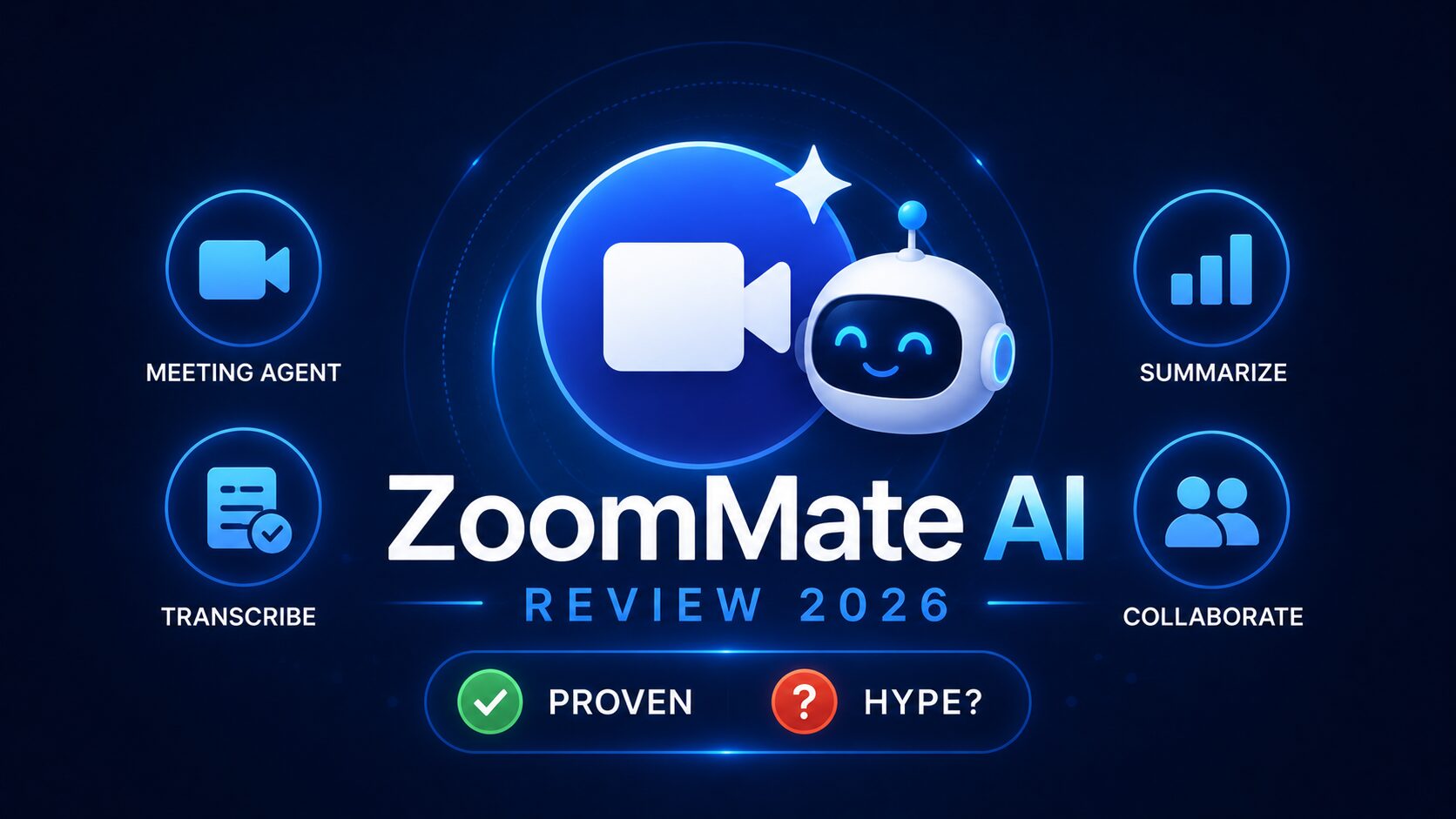
Tired of post-meeting grunt work? ZoomMate AI review 2026 cuts follow-up from 45 min to near zero — $20/month, honest verdict. Stop manual CRM updates. Start now.
Disclaimer: This content is for educational and informational purposes only. Features, pricing, and availability are based on public announcements as of June 2026 and may change. Always refer to Zoom’s official documentation for the most current information.
Most AI meeting tools solve the wrong half of the problem. They get very good at recording what was said — then leave you entirely alone with every task that follows.
If you’ve spent time running client calls, project kickoffs, or sales demos, you already know the real cost isn’t the 60 minutes on the calendar. It’s the 45 minutes of CRM updates, task assignments, follow-up emails, and deliverable drafts stacking up afterward — every single day, on top of everything else you’re supposed to be doing.
This review cuts through every press release currently ranking for this topic. It maps all three of ZoomMate’s documented capabilities to five real office workflows, delivers the straight comparison with Zoom’s existing built-in AI features, and surfaces a significant product change that most coverage has missed entirely — the AI Companion rebrand happening June 21, 2026.
By the end of this analysis, you will know exactly what it does, who it genuinely helps, what the $20/month actually buys, and whether it belongs in your workflow or your budget’s ignore list.
Before getting into the detailed analysis, here is the clearest possible definition: ZoomMate is an agentic AI work surface launched by Zoom on June 1, 2026, built to connect meeting conversations directly to enterprise workflow execution — closing the manual gap between what gets decided in a call and what actually gets done afterward.
The five things ZoomMate does that standard meeting tools do not:
ZoomMate was built on Zoom’s “system of action” vision announced in March 2026, connecting live conversational context to agentic search, workflow execution, custom agents, and AI content creation.
The “is it worth it” question gets a specific, grounded answer in the pricing and buyer fit sections below — not a vague “it depends.”ns below — not a vague “it depends.”
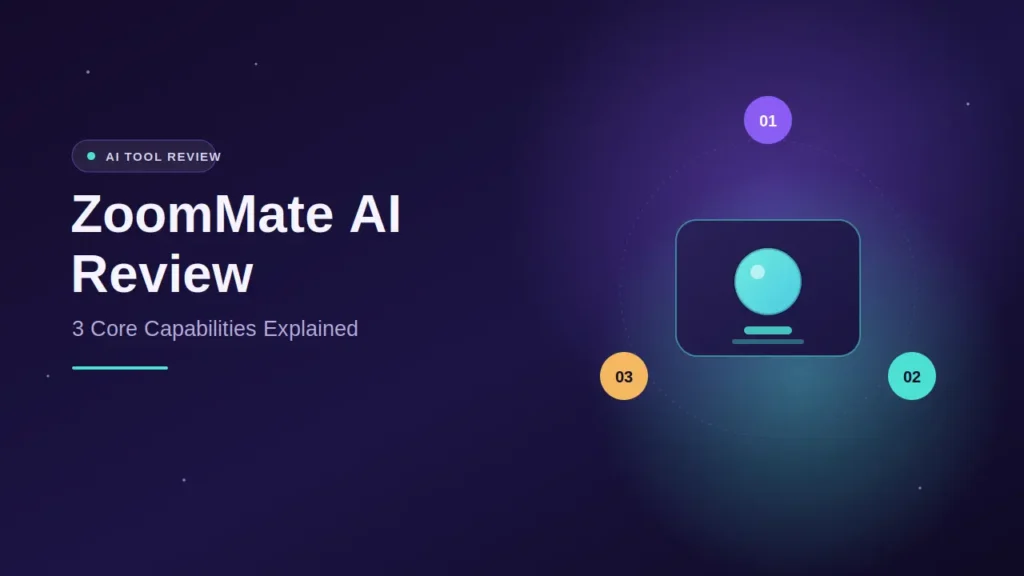
Every article currently ranking restates the same three bullet points from Zoom’s press release. This section explains what each capability means for a real person on a real workday — not what Zoom’s marketing team wants you to believe.
Unlike enterprise search tools that index documents alone, ZoomMate connects the files, the records, and the conversations behind them. You can ask a natural language question — “What’s the open ServiceNow ticket from the Acme onboarding call last Tuesday?” — and receive a grounded answer without opening a browser tab, logging into a separate CRM, or reformulating the query.
The practical value here is strongest immediately before and during meetings. Surfacing account history, open issues, and project status in real time — without breaking the meeting flow — is the documented use case this feature was built for.
This is the single capability that separates a genuine analysis from a press release summary. ZoomMate’s agentic layer can schedule events in Google Calendar or Microsoft Outlook, route requests to appropriate systems, update records, create follow-up tasks, draft customer communications, and trigger onboarding or support workflows.
The tool does not surface what needs to happen next and hand it back to you. It initiates the action. That distinction is the entire value proposition of ZoomMate versus every other AI meeting tool on the market right now.
Leveraging Zoom’s AI Productivity Suite, ZoomMate can transform meeting transcripts and enterprise context into finished presentations, documents, spreadsheets, and project plans. Output quality scales directly with meeting structure — a focused, agenda-driven session produces a usable deliverable; a disorganized brainstorm session produces a disorganized document. That is not a ZoomMate limitation, it is a meeting discipline reality.
Now here is the part every other piece has gotten wrong or simply skipped — and it fundamentally changes the comparison you are about to make.
Every comparison piece framing this as “ZoomMate versus AI Companion” is already outdated. Understanding why matters before you evaluate this analysis against others or make a purchasing decision.
Zoom is retiring the AI Companion brand entirely, with full debranding expected to complete around June 21, 2026. The underlying capabilities are not going away — they remain built into Zoom Workplace as native features, like Meeting Summary and Chat Compose — just without the AI Companion label. ZoomMate launched on June 1 as a separate, new paid add-on, using a usage-based credits model for advanced features.
The correct framing in June 2026 is this: native Zoom Workplace AI (the features formerly branded as AI Companion) handles within-Zoom productivity at no extra cost. ZoomMate is an enterprise execution layer that sits entirely on top of it.
| Capability | Zoom Workplace Native AI (Free with paid plans) | ZoomMate ($20/user/month add-on) |
|---|---|---|
| Meeting summaries | Included | Yes |
| Action item extraction | Included | Yes |
| Chat composition | Included | Yes |
| Cross-platform (Meet, Teams) | No | Yes |
| Salesforce / Jira execution | No | Yes |
| Full deliverable generation | Limited | Full AI Productivity Suite |
| Custom agentic workflows | No | Yes |
| Enterprise system search | No | Yes |
For paid Workplace customers, the AI Companion rebrand is a name change, not a feature change. The real decision is whether ZoomMate’s add-on capabilities justify the additional spend.
That is the most important table in this analysis — and it is absent from every press release ranking above this article.
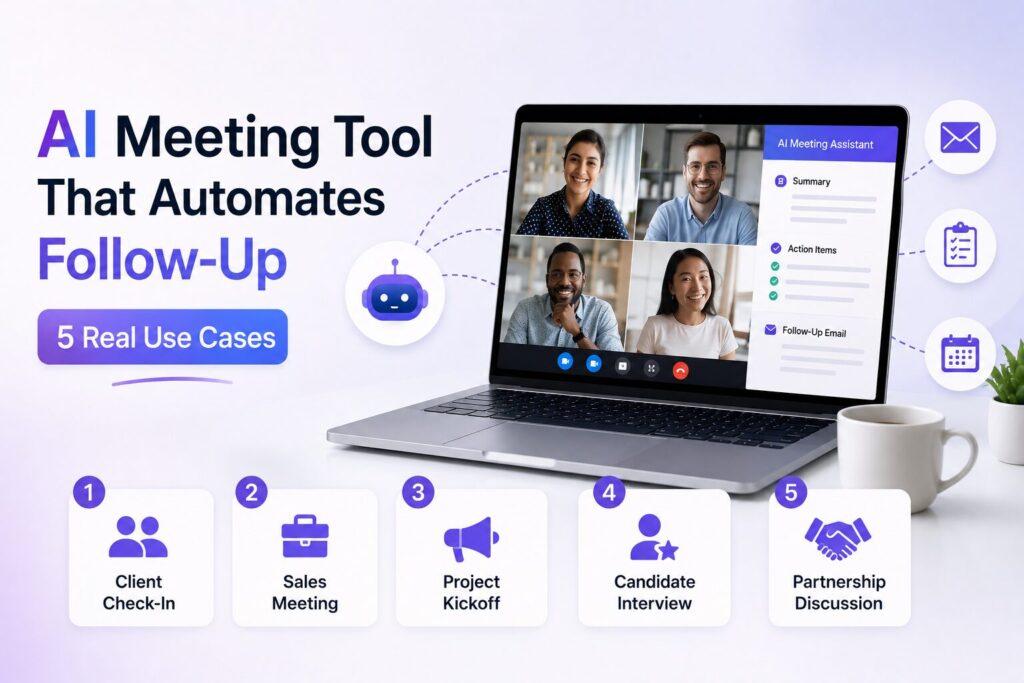
Any honest analysis must map documented capabilities to actual workflows — not generic “boost productivity” language. Here are the five meeting types that generate the most post-meeting overhead and how ZoomMate addresses each.
ZoomMate monitors open items from prior sessions and surfaces relevant Jira or project updates before the call begins. Post-meeting, task assignments are generated directly from discussion context without manual input. For team leads managing five or more direct reports across recurring stand-ups, this is one of the most accessible entry points for ZoomMate’s orchestration layer.
The highest-ROI scenario in this analysis. ZoomMate’s agentic search connects to data sources like Salesforce, ServiceNow, and Workday to instantly surface customer records, service tickets, and project updates from across an organization’s connected data. Sales professionals can pull live account history mid-call, update the opportunity record immediately after, and generate a structured follow-up brief — without switching a single application.
ZoomMate converts a structured kickoff transcript into a draft project plan, initial task breakdown, and timeline document. ZoomMate integrates into existing team workflows to provide real-time assistance and continuity from the first meeting to the final deliverable by connecting conversational context with enterprise data. Disorganized meetings still produce disorganized output — meeting discipline remains a prerequisite.
Post-demo, ZoomMate can update Salesforce deal stage, log call notes, generate a follow-up deck, and draft the follow-up email — a workflow that typically takes 25–40 minutes of manual work per demo. For account executives running 10 or more demos weekly, the aggregate time savings within the first month alone makes the cost case concrete rather than theoretical.
QBR decks are data-intensive, time-consuming, and entirely dependent on information scattered across multiple disconnected systems. ZoomMate’s ability to draw from Zoom recordings, Salesforce data, and connected enterprise files to generate a structured draft removes a task that consumes entire Friday afternoons for senior account managers and team leads. This is the use case that most commonly closes the verdict for enterprise buyers.
ZoomMate is available for online and direct customers in North America starting at $20 per user per month with included AI credits. Availability for additional regions, including EMEA and APAC, is expected to roll out later in 2026.
ZoomMate is an add-on — it requires an existing paid Zoom Workplace plan. Real total cost for a five-person team:
The breakeven calculation any serious analysis should include: for a professional billing at $75/hour, ZoomMate pays for itself if it recaptures just 16 minutes of post-meeting admin per working day per user. For anyone running client calls or managing enterprise workflows daily, that threshold is easily cleared. For anyone running two internal team syncs a week, it almost certainly is not.
ZoomMate uses a federated AI approach, drawing on models from Zoom, OpenAI, Anthropic, and NVIDIA. That multi-model stack is a meaningful quality signal — content generation draws on multiple foundation models rather than a single vendor’s output.
One practical note that most coverage omits: the rollout is gradual, and ZoomMate may not be immediately accessible to all users after purchase. Factor a potential onboarding delay into your deployment timeline before committing at scale.
Every analysis needs to answer this question directly. Here it is.
Any analysis that skips this section isn’t doing its job.
ZoomMate’s value is in execution, not transcription. Teams that add it without completing the platform integration setup — and continue manually updating Salesforce and Jira after calls — will see zero ROI. The orchestration layer requires deliberate configuration before it delivers anything beyond basic deliverable generation.
ZoomMate is designed to respect enterprise access controls, permissions, and governance when surfacing information. IT and compliance teams in regulated industries must verify data flow compliance before connecting ZoomMate to sensitive systems. Do not roll out organization-wide before that sign-off is complete.
ZoomMate’s output quality improves as it accumulates organizational context across meetings, records, and connected enterprise data. Teams evaluating on day seven routinely underrate it. Set a 30-day window with a defined measurement metric — post-meeting task completion time, or deliverable turnaround time — before forming a verdict.
Deploy ZoomMate to your highest-volume meeting users who own active CRM and project management workflows. Measure ROI in that cohort for 30 days, then expand. Deploying broadly on day one inflates cost before you have the data to justify it.
ZoomMate AI is an agentic meeting automation tool launched by Zoom on June 1, 2026, that connects workplace conversations to enterprise workflow execution across Salesforce, Jira, Slack, ServiceNow, and other platforms. Unlike standard AI note-takers, its core differentiator is that it doesn’t just summarize meetings — it executes the work that follows. Available as a $20/user/month add-on for North American Zoom Workplace customers.
Starting with ZoomMate requires an existing paid Zoom Workplace plan (Pro, Business, or Enterprise). After activating the add-on, the essential first step is connecting your enterprise systems — Salesforce, Jira, ServiceNow, Google Drive, or SharePoint — through Zoom’s integration settings. Without at least one connected platform, the agentic search and orchestration capabilities that justify the cost are unavailable, and you are effectively paying for a deliverable generator only.
Yes — and this is one of the most undersold findings. ZoomMate pulls meeting context not only from Zoom sessions but also from Google Meet and Microsoft Teams calls, making it significantly more useful for organizations running a mixed collaboration environment. For teams using two or more meeting platforms simultaneously, this cross-platform context is a material advantage over tools locked to a single vendor.
Based on documented capabilities, the highest-ROI profiles are sales teams with active Salesforce workflows running 8+ client calls weekly, project managers coordinating across Jira or ServiceNow, and senior account managers building regular post-meeting deliverables. Teams without connected enterprise platforms or running fewer than five external meetings per week are unlikely to see cost justification at $20/user/month.
Honestly — not yet for most small teams or individual contributors. The $20/month add-on earns its cost specifically when enterprise system integrations are active and meeting volume is high. For smaller teams, the native Zoom Workplace AI features (formerly AI Companion) continue at no extra cost after the June 21 rebrand and handle meeting summaries, action item detection, and chat composition competently. Start there, measure your actual post-meeting overhead, and revisit ZoomMate when that overhead becomes a daily bottleneck.
This analysis reaches a clear verdict: ZoomMate is the most capable post-meeting execution tool Zoom has ever built. For the right team, the ROI is real, computable, and achievable within the first billing cycle. For the wrong team, it is $20/month of capability you will never fully activate.
Three things to carry forward:
The gap between a meeting decision and a completed action has resisted every productivity promise for two decades. ZoomMate closes more of that gap than anything in Zoom’s catalog. Whether it closes enough for your specific team, at your specific scale, with your specific enterprise stack — this analysis gives you every data point you need to answer that honestly.
Bookmark this page before your trial starts — the comparison table and buyer fit section will be the two things your IT team asks about first.
Leave a comment below — which use case would you test ZoomMate on first?
P.S. — AICAP publishes one practical AI strategy guide every week at AICAP.in — verified tools, real workflows, zero recycled content. Just strategies people are actively using right now.
All figures, statistics, and product information in this guide are sourced from publicly available reports, official Zoom announcements, and industry analysis from 2026.
| Category | Sources Used |
|---|---|
| Official Zoom Data | Zoom press releases (March–June 2026), Zoom official blog, Zoom Workplace documentation |
| Product Information | ZoomMate launch announcements, AI Companion rebrand information |
| Industry Analysis | UC Today, Barchart, Maverick Networks, RMN Digital, ITdaily coverage |
| Pricing Data | Zoom official pricing pages as of June 2026 |
All figures presented in this guide meet one or more of the following verification criteria:
The data in this guide represents the most current publicly available information as of June 2026. However, features, pricing, and availability may change. We recommend verifying specific details through Zoom’s official documentation before making decisions based on this guide.
All figures are sourced from publicly available reports, industry benchmarks, and platform announcements from 2026. Features, pricing, and availability may change.

Salman Shaikh is the founder and editor-in-chief of AiCap.in, an independent AI and personal finance publication based in Ahmedabad, India.
Since launching AiCap.in in April 2026, Salman has personally tested and reviewed 100+ AI tools across income generation, crypto research, content creation, and personal finance — publishing 91+ hands-on guides based on real usage, not press releases.
His approach is simple: every tool he writes about is one he has opened, tested, and either used to earn money or rejected after finding it didn’t deliver. He started AiCap.in after realising most AI content in India was either written by people who had never touched the tools, or buried in technical jargon that everyday people couldn’t act on.
His work covers AI tools for passive income, freelancing with AI, crypto research workflows, Amazon FBA with AI, and personal finance strategies built for readers in India and accessible to anyone globally looking to earn smarter with AI.
AiCap.in now reaches a growing community of readers across India and globally who want practical, jargon-free AI strategies they can implement today.
Connect with Salman: LinkedIn · X @AiCap88 · YouTube · Medium





[…] AI browser add-on automatically transcribes Google Meet, Zoom, and Microsoft Teams calls in real time. It identifies speakers, timestamps, and generates […]