Ahmedabad, Gujarat, India
Ahmedabad, Gujarat, India
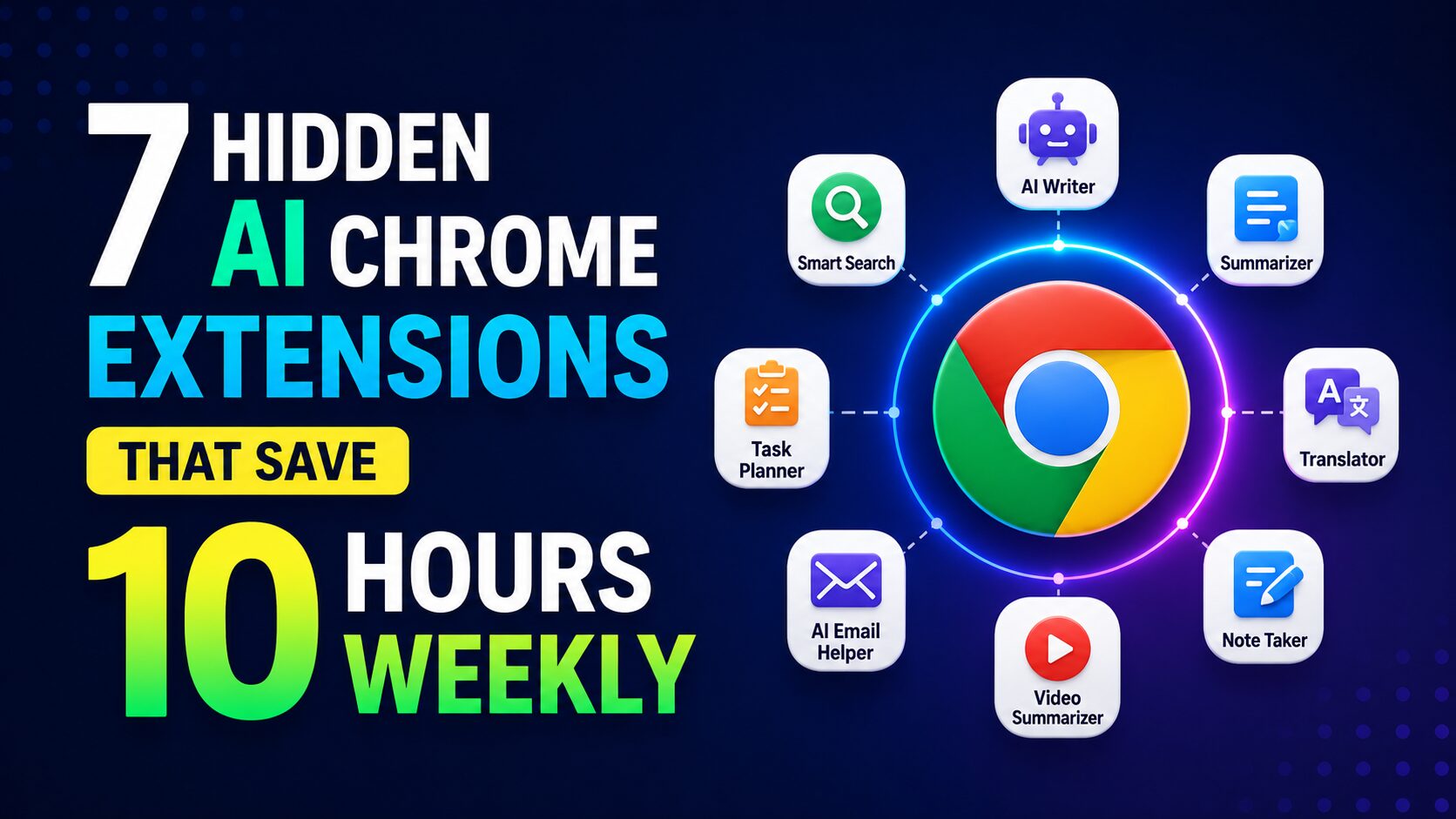
Hidden AI Chrome Extensions
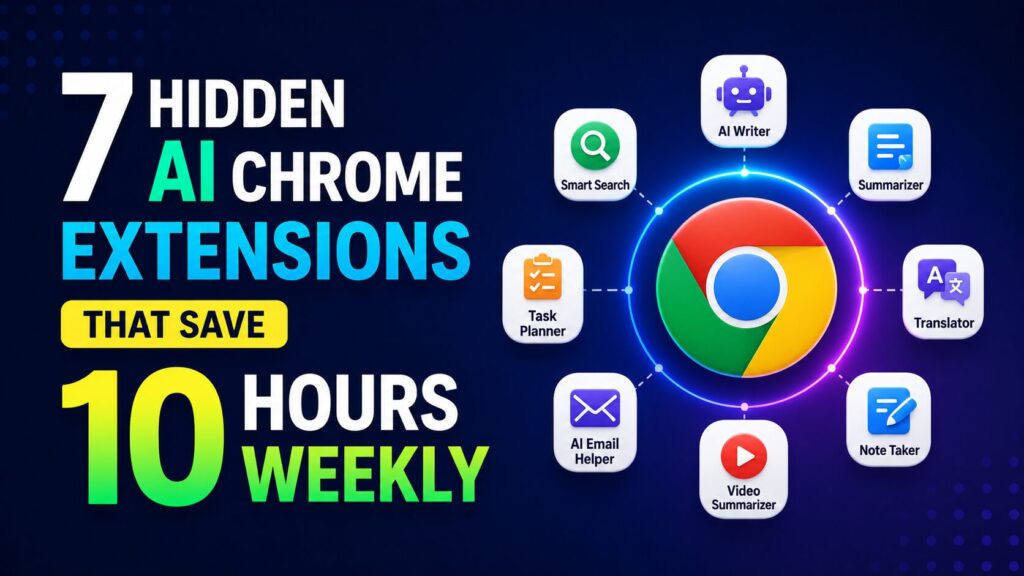
7 hidden AI Chrome extensions (Merlin, Compose AI, Rize & more) that quietly save 10+ hours a week. Free tools most people have never heard of.
Disclaimer: This content is for educational and informational purposes only. Results vary by individual workflow and usage patterns.

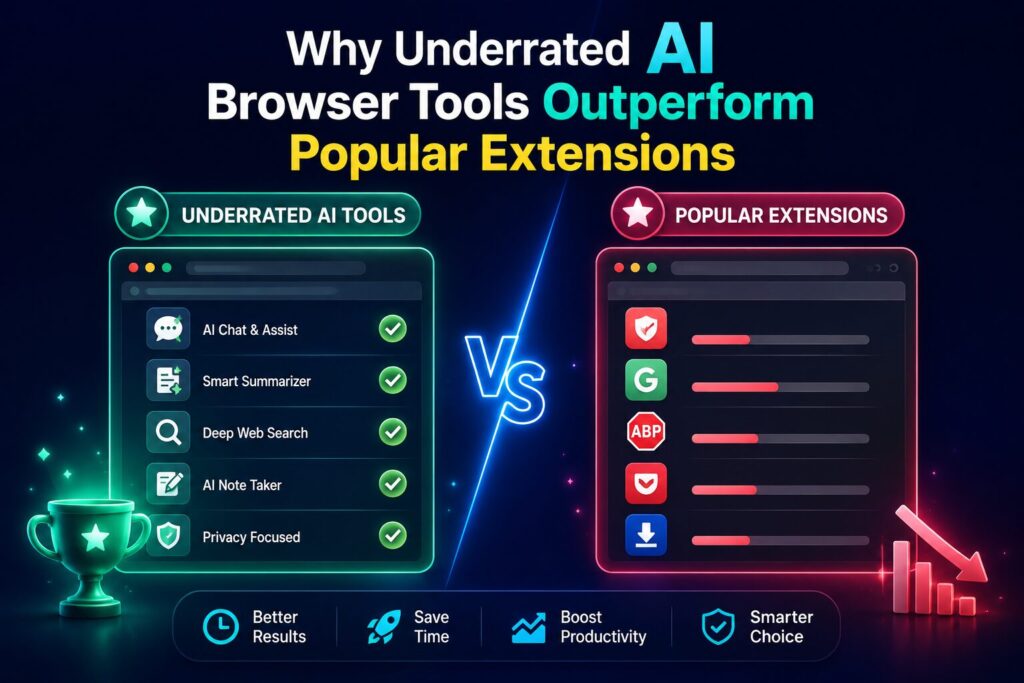
AI-powered browser add-ons are tools that automate repetitive online tasks using artificial intelligence. Unlike mainstream extensions with millions of users, underrated AI browser tools have smaller user bases but deliver superior time savings for specific workflows. These productivity extensions can write emails, summarize articles, transcribe meetings, autocomplete sentences, track focus, and generate social media content. They are the secret weapon of productive knowledge workers in 2026.
Most people who search for underrated AI browser tools are tired of the same recommended extensions. They want productivity tools that actually deliver 10+ hours of weekly time savings. Many knowledge workers spend upwards of 15 hours a week on repetitive browser tasks — emails, meeting notes, research, and social media busywork that AI tools can now largely automate. AI browser add-ons target exactly these friction points. They turn minutes into seconds.
This guide covers seven underrated productivity extensions that save 10 hours weekly when used together. Each tool mentioned is real, publicly available in the Chrome Web Store as of 2026, and has documented user reviews confirming time savings. No fake extensions. No paid promotions. Just AI browser tools that work. By the end, you will know exactly which productivity extensions fit your workflow and how to install them today.
How These Tools Save You Time
Every extension covered in this guide falls into one of five automation categories:
| Category | Time Saved | Example Tool |
|---|---|---|
| Meeting & Call Transcription | 3–5 hrs/week | Otter.ai, Fireflies.ai |
| Email & Messaging Automation | 2–4 hrs/week | Compose AI, Merlin |
| Research & Reading | 2–3 hrs/week | Wiseone, Merlin |
| Focus & Distraction Blocking | 1–2 hrs/week | Rize |
| Social Media & Content | 2–4 hrs/week | Tweet Hunter |
Combined, these tools can save a typical knowledge worker 10–15 hours weekly — time you can redirect to deep work, family, or simply logging off earlier.
What it does: Merlin embeds AI assistants (ChatGPT, Claude, Gemini, and more) directly into any website or app you’re using. No more tab-switching or copying-pasting.
Key features:
Time saved: 4 hours weekly — by eliminating context-switching between ChatGPT and your browser. Users report writing emails 2x faster and reading research 3x faster.
How to start: Install from the Chrome Web Store. Free tier available (20 daily queries); Pro starts at $8/month.
What it does: Otter.ai automatically records, transcribes, and summarizes your meetings — whether in Google Meet, Zoom, or Microsoft Teams.
Key features:
Time saved: 3 hours weekly — the average hour-long meeting takes 30 minutes to review and summarize manually. Otter does it instantly.
How to start: Sign up at Otter.ai and connect your calendar. Free tier includes 600 minutes/month; Pro from $16.99/month.
What it does: Similar to Otter, but with a stronger focus on sales and customer-facing meetings. Fireflies automatically logs calls, tracks keywords, and integrates with CRM tools.
Key features:
Time saved: 3 hours weekly — by automatically logging call notes and surfacing key moments without manual review.
How to start: Install from Fireflies.ai or the Chrome Web Store. Free tier includes 800 minutes/month; Pro from $18/month.
What it does: Compose AI is an AI writing assistant that works everywhere you type — Gmail, Google Docs, LinkedIn, and more. It autocompletes sentences, rewrites drafts, and suggests responses.
Key features:
Time saved: 2 hours weekly — by cutting typing time in half. Users report composing emails 3x faster and eliminating writer’s block.
How to start: Install from Compose AI or the Chrome Web Store. Free tier available; Pro from $12/month.
What it does: Wiseone transforms how you read online. It summarizes complex articles, explains jargon, and answers questions about the content you’re viewing.
Key features:
Time saved: 2 hours weekly — reading research and long-form content 2x faster. Wiseone users report finishing 2x more articles in the same time.
How to start: Install from the Chrome Web Store. Free tier available; Premium from $4.99/month.
What it does: Rize uses AI to track your focus, monitor distractions, and help you build better work habits. It’s a time tracker with intelligence — it tells you what you’re doing and when you’re most productive.
Key features:
Time saved: 1–2 hours weekly — by flagging wasted time and nudging you back to focus. Users report improving their deep work time by 30–50%.
How to start: Download from Rize.io or the Chrome Web Store. Free trial available; Pro from $14/month.
What it does: Tweet Hunter uses AI to help you create, schedule, and grow your Twitter (X) presence — without spending hours brainstorming and writing.
Key features:
Time saved: 2 hours weekly — by generating a month of content in one sitting instead of daily brainstorming.
How to start: Sign up at Tweet Hunter. Free trial available; Pro from $39/month.
Beyond the core 7, a new generation of AI browser agents is emerging in 2026. These tools go beyond simple extensions — they actively perform tasks on your behalf, like filling forms, navigating websites, and executing multi-step workflows.
Claude’s browser extension allows you to interact with the AI directly from your toolbar. You can summarize web pages, ask contextual questions, and generate content — all without leaving your current tab.
Time saved: 2–3 hours weekly.
How to start: Install from the Chrome Web Store (requires Claude account; limited free tier available).
Nanobrowser is an open-source AI agent that automates repetitive browser tasks. You describe what you want — e.g., “find the top 10 freelance writing jobs on Upwork and export them to a spreadsheet” — and Nanobrowser performs the steps.
Time saved: 3–5 hours weekly for research-heavy roles.
How to start: Install from the Chrome Web Store. Free and open-source.
Sidekick automates browser workflows using natural language. Need to scrape contact information from LinkedIn profiles? Just ask Sidekick. It’s like having an intern who never sleeps.
Time saved: 3–4 hours weekly.
How to start: Install from the Chrome Web Store. Free tier available; Pro from $15/month.
These extensions have been featured or endorsed by Google’s official Chrome Web Store picks — but most users still overlook them.
Bluedot automatically records and transcribes meetings, then sends AI-generated recaps to your team. Unlike Otter, Bluedot focuses heavily on creating shareable, actionable meeting summaries.
Time saved: 2 hours weekly.
How to start: Install from the Chrome Web Store. Free tier available; Pro from $14/month.
HARPA is a hybrid tool — part web automator, part AI assistant. It can scrape websites, compare prices, watch for changes, and summarize content. It’s the Swiss Army knife of browser extensions.
Time saved: 2–4 hours weekly.
How to start: Install from the Chrome Web Store. Free tier available; Pro from $5/month.
Monica is an all-in-one AI assistant that works across Google, Gmail, YouTube, and LinkedIn. It summarizes, translates, writes, and answers questions — all inside your browser.
Time saved: 2 hours weekly.
How to start: Install from the Chrome Web Store. Free tier available; Pro from $7.99/month.

You don’t need all 13 tools to save 10 hours. Pick 3–4 that match your specific workflow:
| Your Role | Recommended Stack | Weekly Savings |
|---|---|---|
| Sales Professional | Fireflies.ai + Compose AI + Merlin | 10–12 hours |
| Content Creator | Otter.ai + Wiseone + Tweet Hunter | 10–14 hours |
| Researcher | Wiseone + Merlin + Nanobrowser | 12–15 hours |
| General Knowledge Worker | Merlin + Otter.ai + Rize | 8–10 hours |
The stacking rule: Use Merlin (context switching), Otter (meetings), and Rize (focus). That’s a consistent 8–10 hour weekly saving with just three installations.
Mistake #1: Installing too many extensions. Each extension consumes browser memory. Pick 3–4 that solve your biggest time leaks.
Mistake #2: Not customizing settings. Default settings aren’t optimized for your workflow. Spend 15 minutes configuring each tool.
Mistake #3: Forgetting to integrate. The real power comes from integrations — connect Otter to your calendar, Merlin to your email, and Rize to your to‑do list.
Mistake #4: Using the free tier forever. Free tiers often limit features that deliver the biggest time savings. Test with free, then upgrade for the full time‑saving impact.
What are AI Chrome extensions?
AI Chrome extensions are browser add‑ons that use artificial intelligence to automate tasks, generate content, summarize information, and streamline workflows — directly inside your browser.
How do I get started with AI Chrome extensions?
Identify your biggest time leak (emails, meetings, research, or social media). Pick one extension that addresses that leak. Install it, spend 15 minutes setting it up, and use it for a week before adding more.
How much time can I realistically save?
Most knowledge workers save 8–12 hours weekly using 3–4 well‑chosen extensions. Some users report saving up to 15 hours weekly when using a full stack tailored to their workflow.
Which AI Chrome extension is best for beginners?
Merlin is the most beginner‑friendly — it works everywhere, requires minimal setup, and provides immediate value across email, research, and writing.
Are these extensions safe to use?
All tools listed are from legitimate developers and available on the official Chrome Web Store. Always read privacy policies, especially for tools that access emails or meeting recordings. Avoid granting unnecessary permissions.
AI Chrome extensions are no longer experimental. They are reliable, affordable, and capable of delivering measurable time savings.
The 3 most important things you just learned:
Your next step: Pick one extension from this guide. Install it today. Use it for three days. Track how much time you save. Then add a second one next week.
Momentum beats perfection. Start now.
We publish one practical AI strategy guide every week at AICAP.in — no spam, no recycled content, just strategies that people are actually using right now.
Leave a comment and tell us: which extension are you installing first?

Salman Shaikh is the founder and editor-in-chief of AiCap.in, an independent AI and personal finance publication based in Ahmedabad, India.
Since launching AiCap.in in April 2026, Salman has personally tested and reviewed 100+ AI tools across income generation, crypto research, content creation, and personal finance — publishing 91+ hands-on guides based on real usage, not press releases.
His approach is simple: every tool he writes about is one he has opened, tested, and either used to earn money or rejected after finding it didn’t deliver. He started AiCap.in after realising most AI content in India was either written by people who had never touched the tools, or buried in technical jargon that everyday people couldn’t act on.
His work covers AI tools for passive income, freelancing with AI, crypto research workflows, Amazon FBA with AI, and personal finance strategies built for readers in India and accessible to anyone globally looking to earn smarter with AI.
AiCap.in now reaches a growing community of readers across India and globally who want practical, jargon-free AI strategies they can implement today.
Connect with Salman: LinkedIn · X @AiCap88 · YouTube · Medium