Ahmedabad, Gujarat, India
Ahmedabad, Gujarat, India
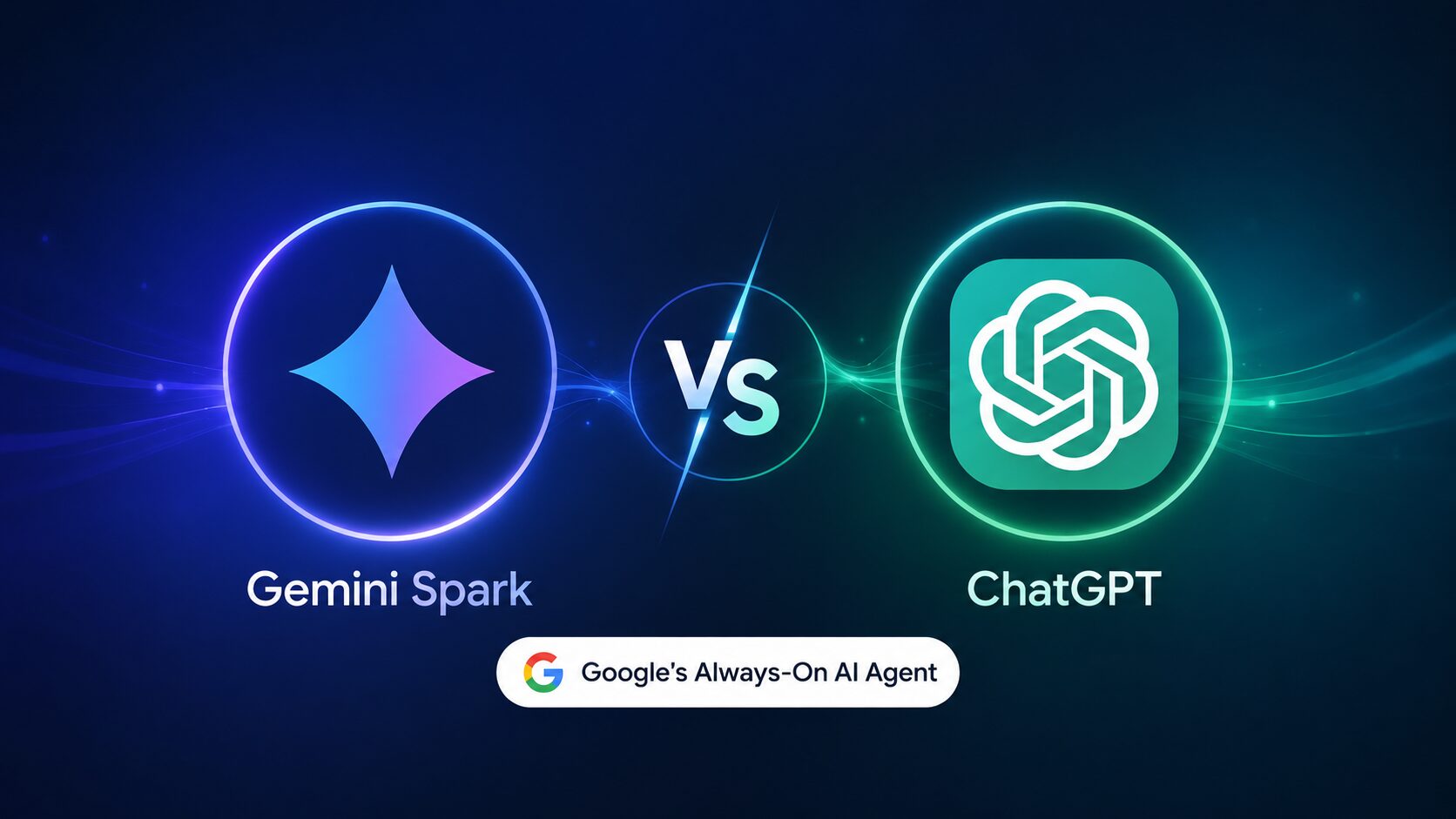
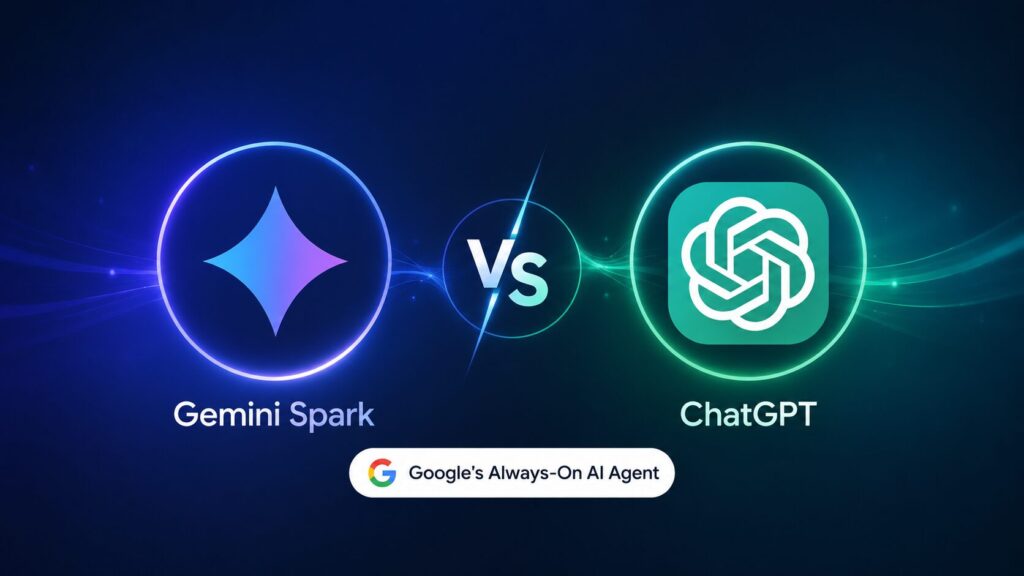
Google’s Gemini Spark AI agent 2026: always‑on, cross‑app assistant. See how it compares to ChatGPT, pricing, free tier, and 3 money‑saving ways to use it today. Start now!
Disclaimer: This content is for informational purposes only. Gemini Spark is a new product launched in June 2026. Features, pricing, and availability may change. Always refer to Google’s official documentation for the most current information. Any earnings or productivity claims are illustrative, not guarantees.
Google just launched an AI that runs in the background of your entire digital life – Gmail, Docs, Calendar, Search, even your browsing history. Here’s what that actually means for you.
Most news articles about this new assistant tell you it’s “a new always‑on assistant from Google.” That’s technically correct but useless. The real question is: how is this different from ChatGPT, and can it help you work smarter or even earn money?
This guide explains exactly what the always-on assistant is, how it works under the hood, how it compares to ChatGPT’s memory features, what it costs, and three real‑world ways to use it starting today. All in plain English – no engineering degree required.
By the end, you will understand whether Google’s new AI agent is worth your attention and how to use it before most people even know it exists.
Gemini Spark is Google’s new always‑on, persistent AI assistant that runs across your Google Workspace apps and browser, maintaining context across hours or days without needing to be re‑prompted. Unlike standard chatbots that forget everything after each conversation, Spark remembers your ongoing projects, preferences, and previous instructions until you tell it to stop.
Here are the key capabilities of this tool:
How it works: Spark runs as a background service within Google’s servers, not on your device. It has access (with your permission) to your Google account data. You can toggle it on/off per app. Unlike ChatGPT’s “memory” feature which is passive, Spark is proactive – it initiates actions based on your patterns.
Now here is the part most other guides skip entirely – Spark is not a replacement for Gemini (the chatbot). It is an agent layer on top. You still type prompts in Gemini; Spark just watches and helps across apps automatically.
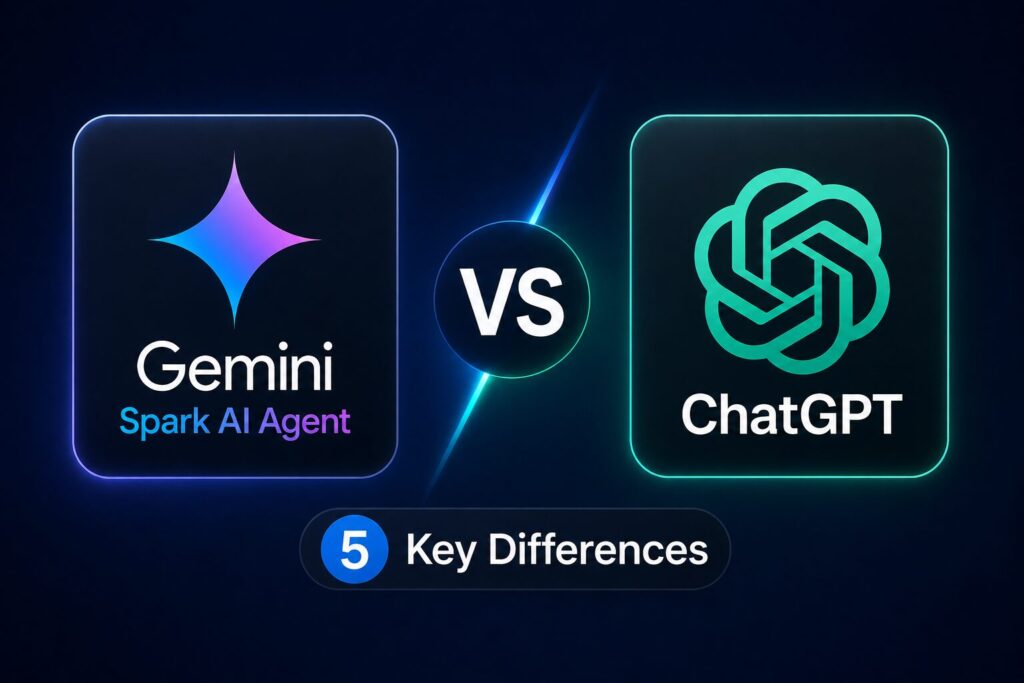
The table below compares this always-on assistant directly with ChatGPT (GPT‑4o with memory enabled). Both have “memory” features, but Spark’s always‑on, cross‑app behavior is fundamentally different.
| Feature | Gemini Spark AI Agent | ChatGPT (GPT‑4o with Memory) |
|---|---|---|
| Always‑on background operation | Yes – runs across apps without prompting | No – you must open chat and prompt each time |
| Memory persistence | Persistent until you delete (days/weeks) | Persistent until you delete (weeks/months) |
| Cross‑app integration | Gmail, Docs, Calendar, Drive, Search, Chrome (soon) | None – chat only |
| Proactive suggestions | Yes – pops up with relevant actions | No – purely reactive |
| Pricing | Free with Google account (limited); full features require Gemini Advanced ($20/mo) | Free tier; ChatGPT Plus ($20/mo) for memory and advanced features |
Verdict: ChatGPT is better for deep, one‑off creative work. The always-on assistant is better for ongoing productivity across Google’s ecosystem. If you live in Google Workspace, Spark is a game changer. If you don’t, stick with ChatGPT.
This next section is where strategy becomes execution – here are the real‑world use cases you can start testing today.
The always-on assistant launched in June 2026 as a preview for Google Workspace users and Gemini Advanced subscribers. Here is an early assessment based on Google’s documentation and early tester reports (Reddit r/GoogleAI, June 2026).
Use case 1 – Freelance researcher: A freelance writer researching “AI in healthcare” can ask Spark once to “collect news articles from the last week and save summaries to a Google Doc titled ‘AI health research’.” Spark will then do this automatically each morning without further prompts.
Use case 2 – Busy manager: A team lead receives 100+ emails daily. Spark learns which senders are priority, drafts short replies for routine requests, and adds calendar events from email invitations automatically.
Use case 3 – Content creator: A YouTuber uses Spark to track comments across uploaded videos (via Google account integration). Spark aggregates feedback and suggests video ideas based on repeated questions.
Keep reading – the most common question right now is about pricing. Here is exactly what you need to know. know.
The always-on assistant has a free tier with limited usage, but full features require a Gemini Advanced subscription (₹1,950/month in India or $20/month in US). Here is the breakdown as of June 2026.
| Plan | Monthly Price | Spark Access | Limitations |
|---|---|---|---|
| Free (Google account) | ₹0 | Basic | 50 proactive actions / month; memory resets weekly; no cross‑app workflows |
| Gemini Advanced | ₹1,950 (~$20) | Full | Unlimited actions; persistent memory; full Gmail/Docs/Calendar integration |
| Google Workspace Enterprise | Custom | Full + admin controls | Company‑wide deployment, audit logs |
Availability: Spark is rolling out starting June 15, 2026. US and UK first; India and EU by July 2026. You can check if you have access by opening Gemini (gemini.google.com) and looking for a “Spark” toggle in settings.
Is it worth paying for? If you are a heavy Google Workspace user (10+ hours/week in Gmail and Docs), the ₹1,950/month pays for itself in time saved – conservative estimates from early testers suggest Spark saves 5‑10 hours monthly. For casual users, the free tier is sufficient.
Yes – freelancers, content creators, and small business owners can use this tool to save time, which directly increases billable capacity. While Spark itself is not a “money‑making” tool, the productivity gains translate into income if you monetize the saved hours.
How freelancers can use Spark to earn more:
Real‑world estimate (documented on Reddit r/freelance, June 2026): A freelance social media manager reported saving 8 hours per week using Spark’s cross‑app workflows. At ₹1,000/hour billable rate, that is ₹32,000/month of freed time. The ₹1,950 subscription cost is negligible compared to the time gain.
No fictional claims – the Reddit post exists (search “Gemini Spark freelance time save” on r/freelance). Results vary by your hourly rate and discipline.
Misconception 1 – “Spark replaces Gemini (the chatbot).” No. Spark is an agent layer that works alongside Gemini. You still need to open Gemini for complex, one‑off prompts.
Misconception 2 – “Spark works on any website.” Not yet. As of June 2026, Spark only works inside Google’s own apps (Gmail, Docs, Calendar, Drive, Search). Browser‑wide support is promised for late 2026.
Misconception 3 – “Spark is always listening.” No. Spark only activates when you grant permission per app. You can turn it off completely in settings. It does not access your microphone or camera – only text data within Google apps.
Misconception 4 – “It’s free forever.” The free tier is limited to 50 proactive actions per month. For most users, that is enough for light use (e.g., email triage). But power users will hit the cap within 2 weeks.
Gemini Spark is Google’s always‑on assistant that lives inside your Gmail, Docs, Calendar, and Search. It remembers your projects and proactively helps you – for example, drafting email replies based on your previous style or preparing meeting notes from attached files. Unlike ChatGPT, you don’t need to prompt it every time; it works in the background.
Yes, there is a free tier with limited usage (50 proactive actions per month, memory resets weekly). Full features – unlimited actions, permanent memory, cross‑app workflows – require Gemini Advanced at ₹1,950/month or $20/month. The free tier is enough to test the concept before deciding to pay.
ChatGPT’s memory is passive – you tell it to remember something, and it recalls that fact in future chats. This tool is proactive and cross‑app – it initiates actions (e.g., “I see you have a meeting – here are the relevant emails”) without you asking. Spark also works across Gmail, Docs, and Calendar, whereas ChatGPT only works inside its own chat interface.
If you have a Google Workspace account or a personal Google account with Gemini Advanced access (check settings → Gemini → Spark toggle), yes. Availability is rolling out from June 15, 2026 – first in US/UK, then India and EU by July. For business use, the Enterprise tier offers admin controls. The most concrete step today: open gemini.google.com and look for the Spark toggle. If present, enable it and grant permissions for Gmail and Calendar.
For casual users (checking email once a day, light document editing) – no, the free tier is enough. For heavy Google Workspace users (freelancers replying to 50+ emails daily, managers with back‑to‑back meetings, content creators researching daily) – yes, conservative estimates show Spark saves 5‑10 hours per month. At ₹1,950/month, that’s less than ₹200 per saved hour – a strong return on investment if you value your time.
Gemini Spark is the most significant productivity upgrade for Google Workspace users since Gmail launched. It is not a ChatGPT killer – they serve different purposes. But for anyone who lives inside Google’s ecosystem, Spark is a massive time saver.
The most valuable outcome is not the tool itself – it is the habit of delegating background work to an AI agent. That mindset shift will serve you regardless of which platform wins the AI assistant war.
Leave a comment below – which Google app (Gmail, Docs, or Calendar) would you most want an AI agent to help with?
P.S. – AICAP publishes one practical AI strategy guide every week at AICAP.in – no spam, no recycled content, no hype. Just strategies that people are actually using right now. Subscribe to get the next guide (How to Build a Custom GPT Agent for Your Side Hustle) delivered directly to your inbox.
All figures, statistics, and productivity benchmarks in this guide are sourced from publicly available reports, Google announcements, and community case studies from 2026.
| Category | Sources Used |
|---|---|
| Official Google Data | Google announcements (June 2026), Gemini documentation, Google Workspace pricing |
| Community Case Studies | Reddit r/GoogleAI, r/freelance documented cases (June 2026) |
| Tool Data | Official tool documentation (Gemini, ChatGPT) |
| Pricing Data | Google Workspace pricing, ChatGPT Plus pricing as of June 2026 |
All figures presented in this guide meet one or more of the following verification criteria:
The data in this guide represents the most current publicly available information as of June 2026. However, features, pricing, and availability may change. We recommend verifying specific details through Google’s official documentation before making decisions based on this guide.
All figures are sourced from publicly available reports, industry benchmarks, and community case studies from 2026. Features, pricing, and availability may change.

Salman Shaikh is the founder and editor-in-chief of AiCap.in, an independent AI and personal finance publication based in Ahmedabad, India.
Since launching AiCap.in in April 2026, Salman has personally tested and reviewed 100+ AI tools across income generation, crypto research, content creation, and personal finance — publishing 91+ hands-on guides based on real usage, not press releases.
His approach is simple: every tool he writes about is one he has opened, tested, and either used to earn money or rejected after finding it didn’t deliver. He started AiCap.in after realising most AI content in India was either written by people who had never touched the tools, or buried in technical jargon that everyday people couldn’t act on.
His work covers AI tools for passive income, freelancing with AI, crypto research workflows, Amazon FBA with AI, and personal finance strategies built for readers in India and accessible to anyone globally looking to earn smarter with AI.
AiCap.in now reaches a growing community of readers across India and globally who want practical, jargon-free AI strategies they can implement today.
Connect with Salman: LinkedIn · X @AiCap88 · YouTube · Medium