Ahmedabad, Gujarat, India
Ahmedabad, Gujarat, India
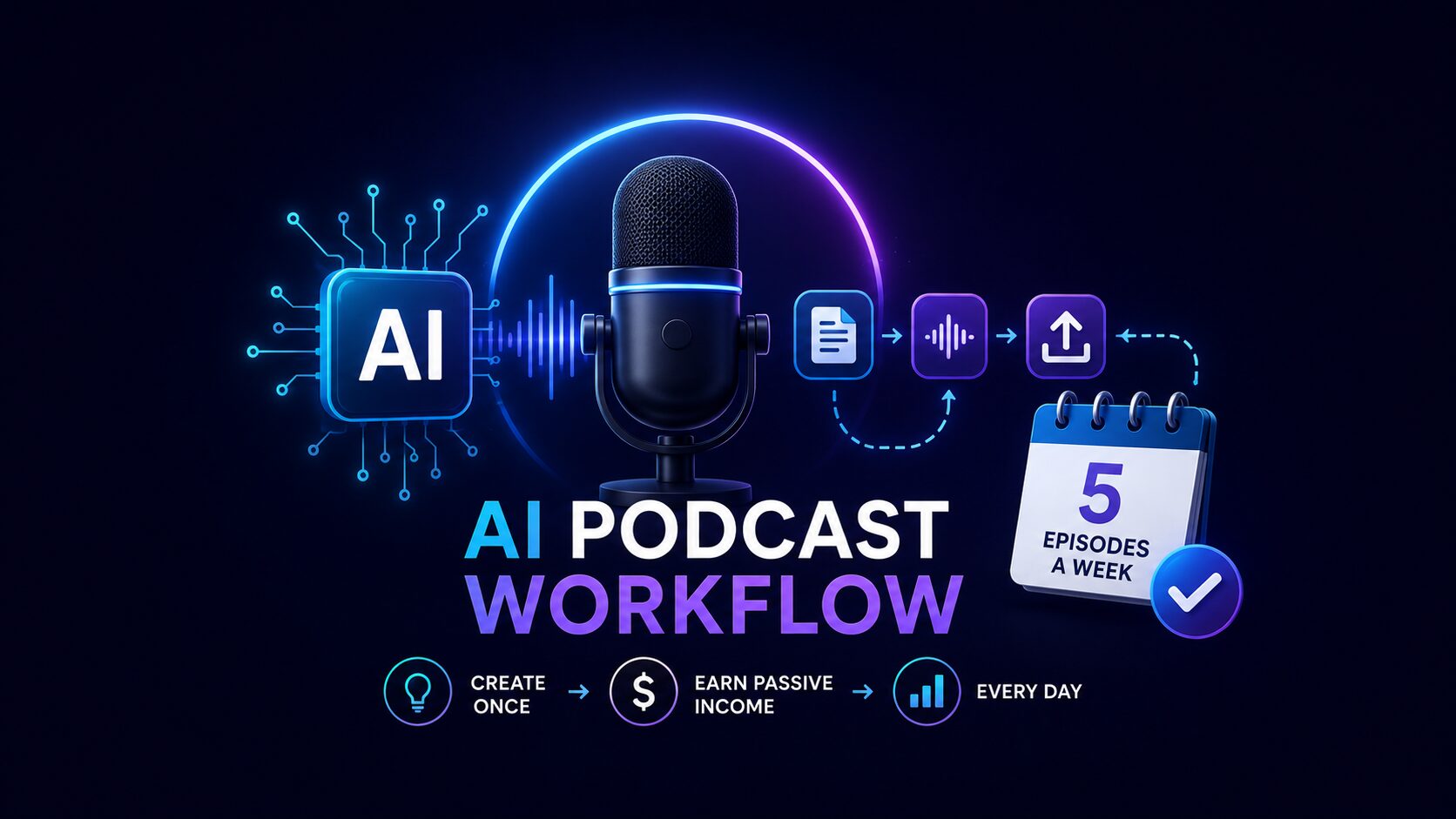
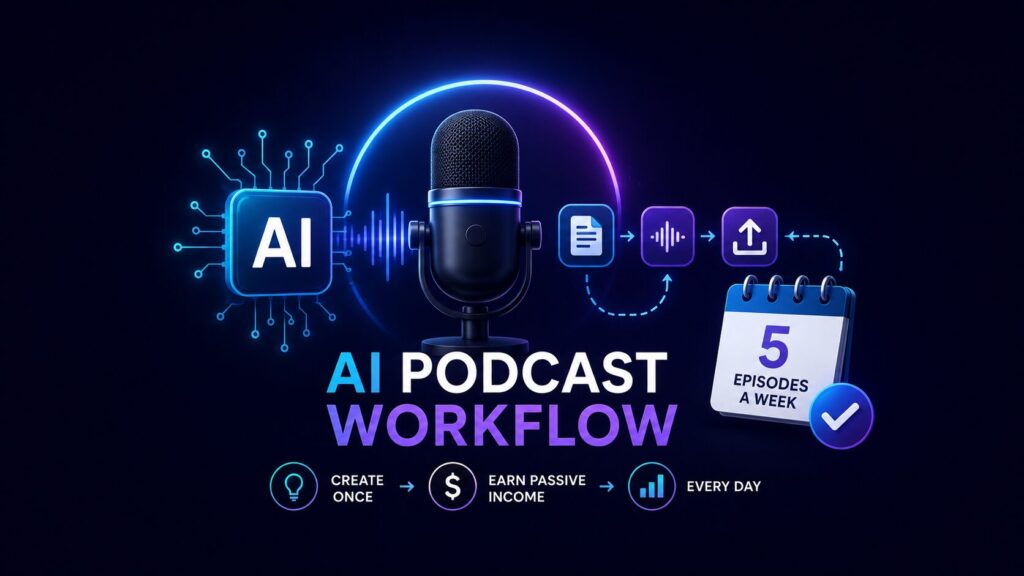
The exact AI podcast workflow solo creators use in 2026 to publish 5 episodes a week in under 7 hours — NotebookLM, ElevenLabs, Descript, Firstory. Free tool stack included
Disclaimer: This content is for educational and informational purposes only. Earnings and results vary by individual. Always conduct your own due diligence.
Most solo creators who start a podcast quit within eight episodes—not because their ideas are bad, but because the production work is overwhelming. If you have been searching for a real, no-fluff answer on how an AI podcast workflow makes five episodes a week possible—this is it.
An AI podcast workflow is a fully automated system where artificial intelligence handles the heavy lifting of podcast creation. This system integrates script generation, voice narration, audio editing, show notes creation, and publishing into a seamless process. Instead of spending 20 hours per episode, you can reduce production time to as little as two hours per week for five episodes, freeing you to focus on strategy, audience growth, and monetization.
In 2026, the AI in podcasting market has exploded, growing from $4.06 billion in 2025 to a projected $5.36 billion in 2026, a compound annual growth rate of 32.0%. The AI-generated podcast host market specifically is expanding from $1.57 billion to $2.04 billion at a CAGR of 30.1%. By 2030, the overall AI podcasting market is expected to reach $16.12 billion. This guide breaks down exactly how to implement an AI podcast workflow using real, verifiable tools, with step-by-step instructions to publish five high-quality episodes weekly. By the end, you will have a clear, actionable framework—ready to apply today.
Here is what most people do not understand about podcasting in 2026. Traditional podcast production forces solo creators into an exhausting cycle: research, scriptwriting, recording, editing, mixing, show notes, publishing, and promotion. Each episode demands 10 to 25 hours of work. At that pace, one episode per week is already a part‑time job. Five episodes per week is impossible.
Now here is the part most guides skip entirely—and it is the most important. An AI podcast workflow completely rewrites this equation. AI tools now handle script generation, voice synthesis with human‑like emotion, automated audio editing, transcription, and show notes. You are no longer a production worker. You become a content director—curating AI outputs, making strategic choices, and publishing results.
The scale of AI adoption in podcasting is staggering. According to the Podcast Index’s New Feeds Report, AI‑generated podcasts now account for approximately 35.4% of all new podcasts, with one day peaking at 39%. One AI firm alone produces around 3,000 podcast episodes per week across multiple feeds. Major platforms are taking notice: Spotify recently introduced AI-powered personal podcasts that generate shows on demand based on user prompts, and Amazon launched “Alexa Podcasts” to generate podcasts on virtually any topic in minutes.
Major trends driving this shift include AI-based audio editing automation, automated podcast transcription and captioning, synthetic voice generation, and AI-driven audience analytics. According to Edison Research’s The Infinite Dial® 2026, 58% of Americans (167 million) have consumed a podcast in the last month—an all-time high. Even more revealing: more than half of AI users are weekly podcast consumers, versus roughly one-third of AI non-users. Solo creators using the right AI podcast workflow can now produce five weekly episodes with less than two hours of total work per week—a 90% reduction in production time.
Keep reading—the most practical tools and your exact workflow are coming up next.
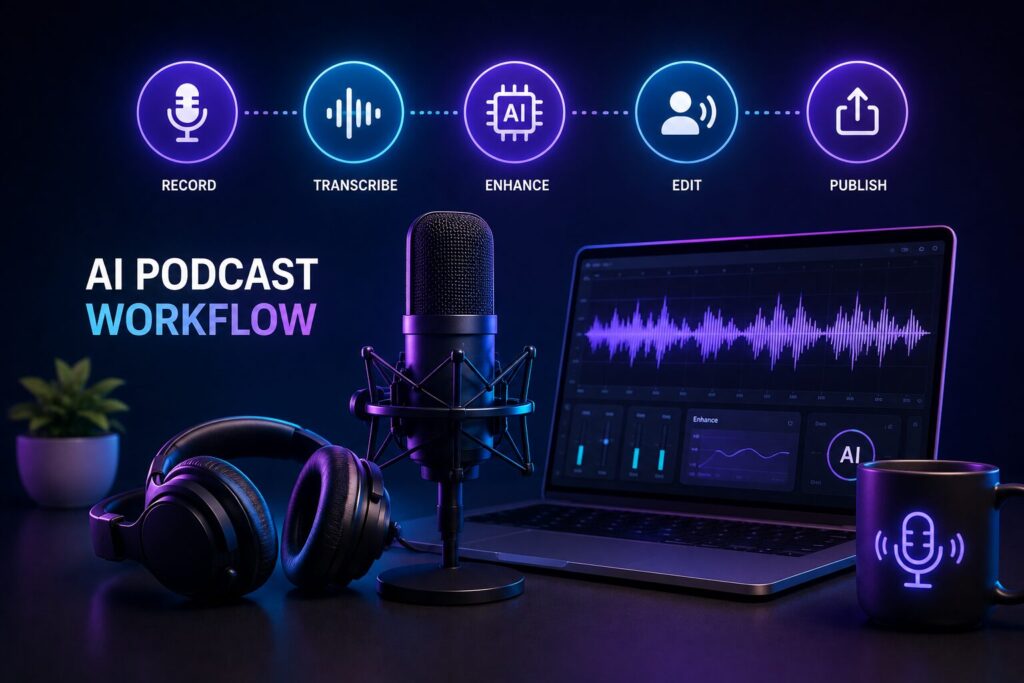
To build a working AI podcast workflow, you need four core tool categories: script generation, voice narration, editing, and promotion. Here are the specific tools top creators use in 2026, including the latest updates.
Google NotebookLM is perhaps the most powerful free tool for podcast script generation. In 2026, NotebookLM allows you to upload documents, PDFs, e‑books (including EPUB files), or notes and generate a 10-to-25‑minute conversational podcast script with two AI hosts discussing your material. You can now customize the structure, focus, length, tone, and “energy” of the audio. NotebookLM also now supports generating Video Overviews, Slide decks, and custom infographics in 10 styles including Sketch, Kawaii, Professional, Scientific, Anime, and more. Google has already begun testing features that generate automated YouTube-style explainers with AI-generated infographics and “talking head” avatars.
PODLM offers an all‑in‑one solution. You convert text, notes, and PDF docs into podcast scripts, generate AI voiceovers with TTS, and even summarize long documents using NotebookLM‑style tools. Multiple AI voices can be used in one episode.
Podbean AI Podcast Creator is another complete tool that turns text, files, URLs, or ideas into full episodes. It automatically generates a script, produces audio with natural‑sounding AI voices, and lets you add background music—all without recording or manual editing.
ElevenLabs remains the industry leader for ultra‑realistic voices. In 2026, ElevenLabs launched Eleven V3, its flagship expressive voice model designed for high emotional range, directional delivery control through audio tags, and multi-speaker dialogue generation. The Text to Dialogue capability allows you to generate natural multi-speaker conversations with tone shifts, interruptions, and conversational rhythm. ElevenLabs also introduced Flows Agent in ElevenCreative—a conversational AI assistant where you can simply describe what you want and the agent builds and runs the entire pipeline. The platform now supports 70+ languages.
Typecast and Async are excellent alternatives. Async offers an end‑to‑end solution for producing and publishing audio content specifically for podcast creators. In March 2025, Podcastle launched Asyncflow v1.0 featuring 500 lifelike AI voices and unlimited custom voice cloning options. Speechify converts documents and written content into lifelike podcasts without recording.
Descript is the best all‑in‑one AI podcast editor. Its text‑based editing interface lets you edit audio by editing the transcript—an intuitive workflow that saves hours. In 2026, Descript introduced Season 6’s Underlord, an AI editing assistant that transforms video editing and podcast production. Descript Pro now includes Overdub—voice cloning technology that captures not just vocal timbre but also pacing, emphasis, and emotional inflections. Recent updates include AI transcription, filler word removal, and batch export.
Riverside has evolved from a remote recording app into an all‑in‑one studio platform for recording, editing, livestreaming, and repurposing content. It supports remote multitrack recordings with uncompressed audio and AI features like automated transcription, noise reduction, and text‑based video editing in over 100 languages. Riverside’s Magic Clips feature uses AI to scan recordings, identify the most engaging segments, and generate ready‑to‑share short clips without manual editing. The platform now includes Co-Creator, a chat-based AI editing agent built directly into the editor.
Firstory AI Studio generates transcripts, professional show notes with key points and timestamps, and social media content automatically. This single tool handles your entire post‑production promotion workflow.
Podcast Transcript AI includes real‑time audio features and a concise AI‑generated summary for every transcription, making it simple to share content from hours of spoken audio.
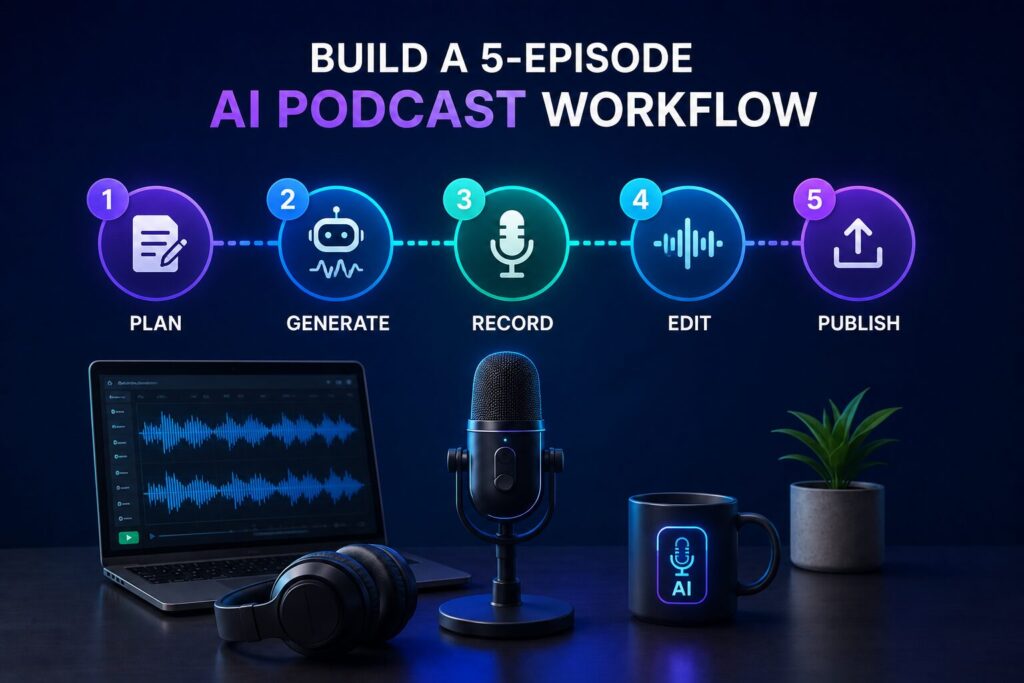
Here is your step‑by‑step framework for implementing an AI podcast workflow that consistently produces five episodes per week.
Start by identifying five core topics or themes for the week. Gather source materials: articles, e‑books, PDFs, blog posts, or even YouTube transcripts. Upload these sources to Google NotebookLM for each episode. NotebookLM will analyze the content and create a conversational podcast script with two AI hosts discussing the main points of your material. For 2026, you can now customize each script’s structure, energy, focus, length, and tone before generation. You can even upload EPUB files to turn novels into AI-hosted podcasts. All five scripts can be generated in under 30 minutes.
Take each script and feed it into ElevenLabs (Eleven V3 recommended for its expressiveness). This tool produces ultra‑realistic voices with deep learning models that capture tone, emotion, and pacing. For a conversational format with two AI hosts, generate two separate voice tracks. Eleven V3’s Text to Dialogue capability handles multi-speaker content naturally, with tone shifts and conversational rhythm. You can use audio tags to shape delivery—making lines sound excited, uneasy, sarcastic, or dramatic. Export each episode’s audio as separate files. To save time, generate all five episodes in one batch session.
Import your raw audio files into Descript for text‑based editing. Because AI narration is already clean, you only need to check for mispronunciations, adjust pacing, and add intro/outro music. Descript’s AI automation can remove long silences and filler words automatically. For video podcasts, use Riverside to add captions, transitions, and export ready‑to‑publish files. Riverside’s AI features include automated transcription, noise reduction, and text‑based editing. The platform’s Magic Audio optimizes sound quality with a single click.
Use Firstory AI Studio to generate transcripts, show notes with key points and timestamps, and social media content automatically. For each episode, this platform produces professional show notes that summarize the episode, highlight timestamps, and extract key takeaways. These notes can be copied directly into your podcast hosting platform. For short‑form clips, use Riverside Magic Clips to scan your episodes, identify the most engaging segments, and generate ready‑to‑share clips for TikTok, YouTube Shorts, and Instagram Reels without manual editing.
Upload your final audio files, show notes, and social clips to your podcast hosting platform (Libsyn, Buzzsprout, Anchor, etc.). Use the platform’s scheduling feature to release one episode per day, Monday through Friday. Post your generated social clips to promote each episode. That’s it. Your AI podcast workflow is complete—five episodes ready for the week with less than two hours of total work.
Once your basic AI podcast workflow is running, here is how to scale to more episodes or better quality with minimal extra effort.
Optimize your scripts for listener engagement. Use NotebookLM’s 2026 customization features to adjust each script’s structure, energy, and tone. For storytelling episodes, set a narrative tone. For educational content, set a formal tone. Test different approaches and track listener metrics to see what works for your audience.
Create a custom voice persona for your brand. ElevenLabs allows you to create a custom AI voice that represents your podcast brand. Once trained, every episode uses the same consistent voice, building listener recognition and trust. With Eleven V3’s expressive capabilities, your custom voice can convey emotion, sarcasm, and intimacy.
Automate the entire workflow with Zapier or IFTTT. Connect your tools: when a new script is generated in NotebookLM, automatically send it to ElevenLabs for narration, then to Descript for editing, then to Firstory for show notes, then to your hosting platform for publishing. This end‑to‑end automation can reduce your weekly workload to under an hour.
Monetize your AI podcast workflow with sponsorships, affiliate marketing, premium subscriptions, and listener donations. Use AI tools to identify sponsorship opportunities by analyzing your episode topics and audience demographics.
Explore emerging features. Google is already testing “Live Video Overviews” that generate automated YouTube-style explainers with AI-generated infographics and “talking head” avatars. ElevenLabs’ Flows Agent lets you describe what you want in plain English and the AI builds the entire production pipeline.ntire production pipeline.
Different AI podcast workflow tools suit different creator needs. Here is how to choose.
| If you want… | Choose this… | Why |
|---|---|---|
| The fastest all‑in‑one free solution | Google NotebookLM + Podcastle | NotebookLM turns documents into scripts; Podcastle offers a full workflow for recording, editing, and publishing |
| The highest quality AI voice narration | ElevenLabs Eleven V3 | Ideal for podcast‑quality narration, multi-speaker dialogue, and repeatable segments with emotional range |
| A complete end‑to‑end free workflow | NotebookLM + ElevenLabs free tier + Descript free tier + Firstory free tier | This stack costs nothing and can produce five weekly episodes |
| Advanced AI features for professional results | Riverside ($15–$29/month) and Descript ($15–$30/month) | Offer the most advanced AI features for professional results; Riverside is used by enterprises like Microsoft |
An AI podcast workflow is an automated system where artificial intelligence handles script generation, voice narration, audio editing, show notes creation, and publishing. Instead of spending 20 hours per episode, creators reduce production time to under two hours for five episodes weekly using tools like Google NotebookLM, ElevenLabs, Descript, and Riverside.
Start by choosing your tool stack. For beginners, use the free combo: Google NotebookLM for scripts, ElevenLabs free tier for narration, Descript free tier for editing, and Firstory for show notes. Gather source materials for five episodes, upload them to NotebookLM, generate scripts, narrate with ElevenLabs, edit in Descript, create show notes in Firstory, and schedule publishing. You can complete your first five‑episode batch in under ten hours.
Earnings vary widely based on audience size, niche, and monetization strategy. A podcast with 10,000 downloads per episode can earn $3,000–$10,000 monthly from sponsorships alone. Adding affiliate marketing, premium subscriptions, and listener donations can double or triple that. The key advantage of an AI podcast workflow is that you can scale to five episodes weekly, rapidly growing your audience and monetization potential. The AI-generated podcast host market alone is projected to reach $5.81 billion by 2030.
For beginners, the best free tool combination is Google NotebookLM for script generation, ElevenLabs free tier for voice narration, Descript free tier for editing, and Firstory free tier for show notes. All four have generous free tiers that support five weekly episodes. NotebookLM alone can generate an entire script with two AI hosts in minutes and now supports custom infographics, video overviews, and slide decks.
Yes, but with realistic expectations. An AI podcast workflow removes the biggest barriers to entry—cost and time. You do not need professional studio equipment, voice acting skills, or audio engineering knowledge. However, you must still provide quality source material, make strategic content decisions, and engage with your audience. With 35.4% of new podcasts now AI-generated, the competition is real—but so is the opportunity. If you treat AI as a tool that amplifies your creativity rather than replacing it, this approach is absolutely worth pursuing in 2026.
Major 2026 updates include: NotebookLM now supports EPUB files, custom infographics in 10 styles, video overviews, slide decks, and customizable audio structure/energy. ElevenLabs launched Eleven V3 with emotional range, audio tags for directional control, multi-speaker dialogue, and Flows Agent for conversational workflow building. Riverside rebranded and added Co-Creator, a chat-based AI editing agent. Descript introduced Season 6’s Underlord AI editing assistant.
Here are the three most actionable takeaways from this guide:
AI podcast workflow is not a magic trick. It is a practical system that combines the best AI tools available in 2026. The difference between creators who publish five episodes weekly and those who burn out is simple: the successful ones build a workflow. They test tools. They batch tasks. They automate.
You have everything you need right now—five clear steps, exact tool names, and a realistic timeline to launch.
Your next step: Spend 30 minutes today choosing your topic for one episode. Gather source materials. Spend another 30 minutes tomorrow generating your first script in Google NotebookLM. Create your first episode by the end of this week. Publish it. Learn. Iterate. Then scale to five episodes weekly. Momentum beats planning every time.
All figures are sourced from publicly available reports, benchmarks, and industry data from 2026.
Leave a comment below — which AI podcast workflow tool are you trying first?
P.S. — We publish one practical AI guide every week at AICAP.in. Subscribe below — no spam, no fluff, just strategies that actually work.

Salman Shaikh is the founder and editor-in-chief of AiCap.in, an independent AI and personal finance publication based in Ahmedabad, India.
Since launching AiCap.in in April 2026, Salman has personally tested and reviewed 100+ AI tools across income generation, crypto research, content creation, and personal finance — publishing 91+ hands-on guides based on real usage, not press releases.
His approach is simple: every tool he writes about is one he has opened, tested, and either used to earn money or rejected after finding it didn’t deliver. He started AiCap.in after realising most AI content in India was either written by people who had never touched the tools, or buried in technical jargon that everyday people couldn’t act on.
His work covers AI tools for passive income, freelancing with AI, crypto research workflows, Amazon FBA with AI, and personal finance strategies built for readers in India and accessible to anyone globally looking to earn smarter with AI.
AiCap.in now reaches a growing community of readers across India and globally who want practical, jargon-free AI strategies they can implement today.
Connect with Salman: LinkedIn · X @AiCap88 · YouTube · Medium





[…] Podcast Show Notes and Clip […]