Ahmedabad, Gujarat, India
Ahmedabad, Gujarat, India
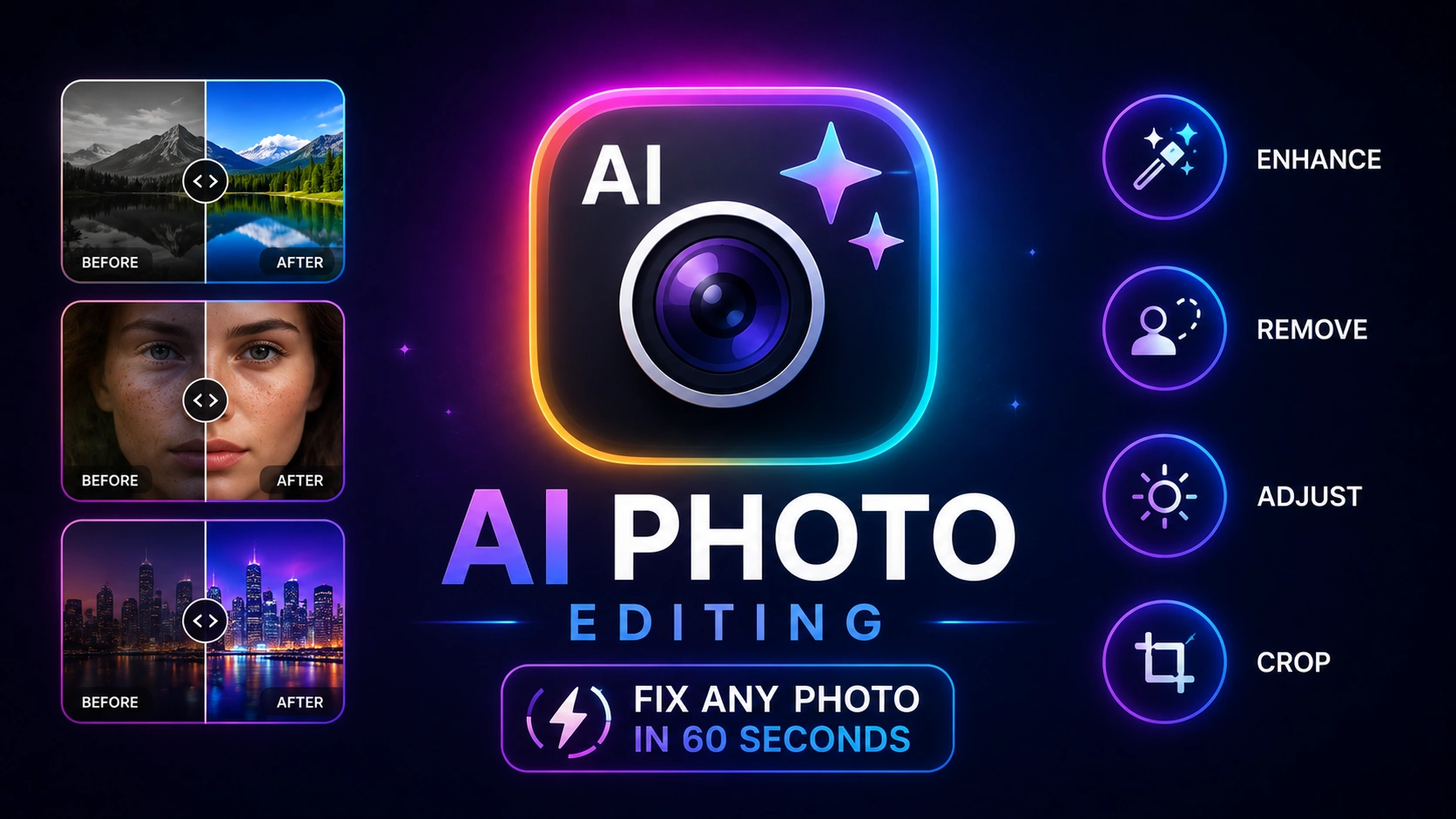
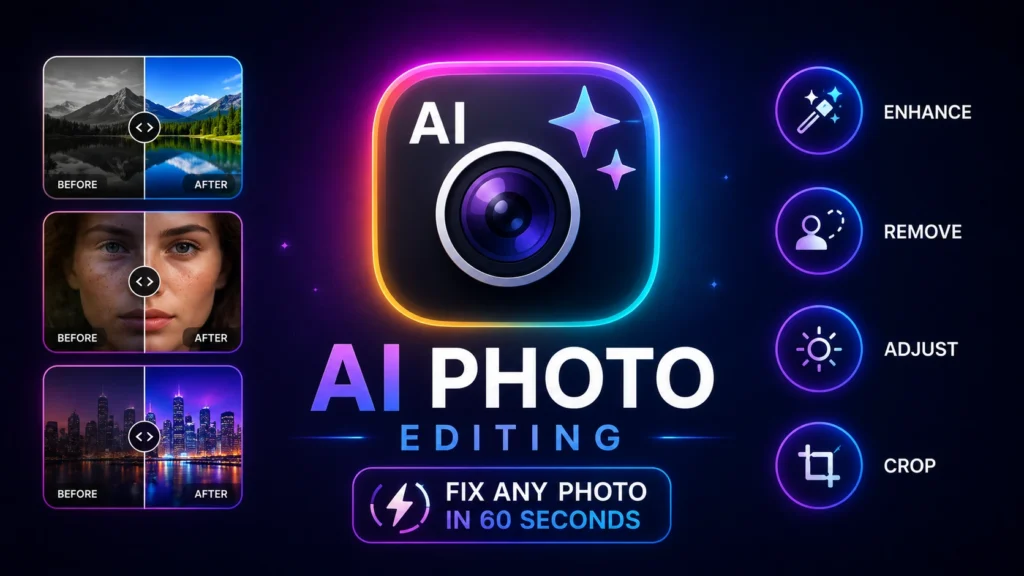
Fix blur, remove backgrounds, and upscale photos in under 60 seconds with the best AI photo editing apps 2026. 5 free tools mapped to 5 common photo problems. Start now.
Disclaimer: This content is for educational and informational purposes only. Results vary based on photo quality and source file. Always verify export quality before using images commercially.
You took a great photo. The background is cluttered, it’s slightly blurry, and the lighting is flat. Three problems that used to mean hours in Photoshop now take under 60 seconds with the right AI tool.
Most guides listing AI photo editors give you the same recycled roster — Canva, Lightroom, Photoshop — with no clarity on which tool solves which specific problem. You end up downloading three apps, confused about where to start, and still staring at the same bad photo.
The best AI photo editors in 2026 aren’t interchangeable. Each one does one specific job better than everything else. This guide maps five free and freemium tools to five distinct photo problems so you always know exactly which tool to open and why.
By the end, you will have a ready-to-use reference table — one problem, one tool, one result — and the step-by-step breakdown to get professional-looking photos without any design experience.
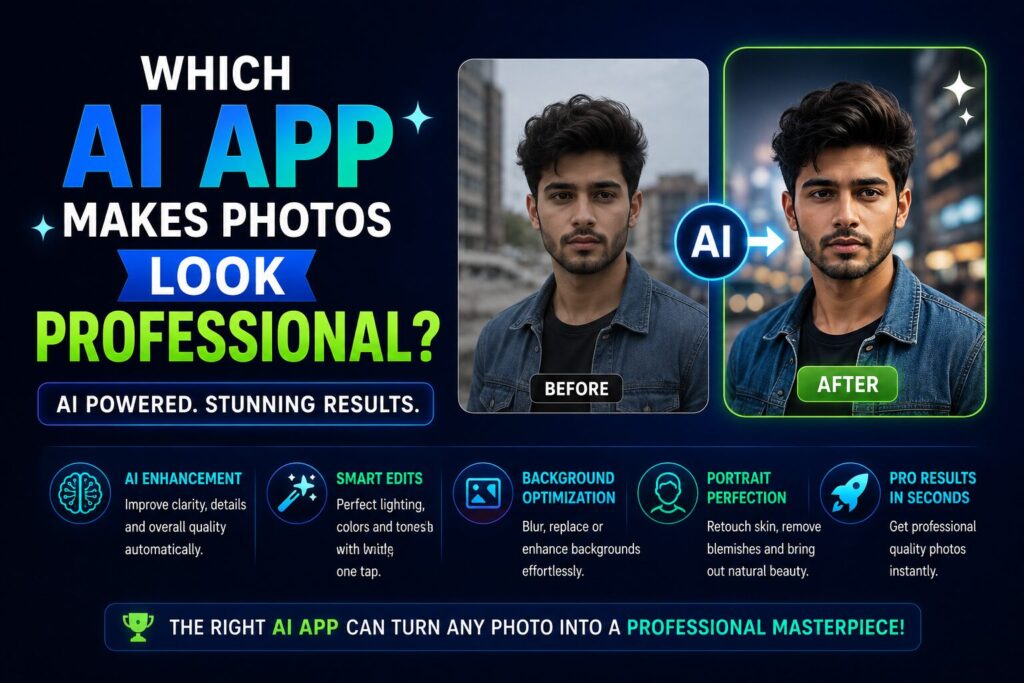
The best AI photo editors in 2026 work by matching the tool to the specific problem in your photo. Here are the five problems and the proven tools that fix each one:
This task-mapped approach is the gap every existing list fails to fill. Most lists rank tools by popularity, not by what you actually need the app to do.
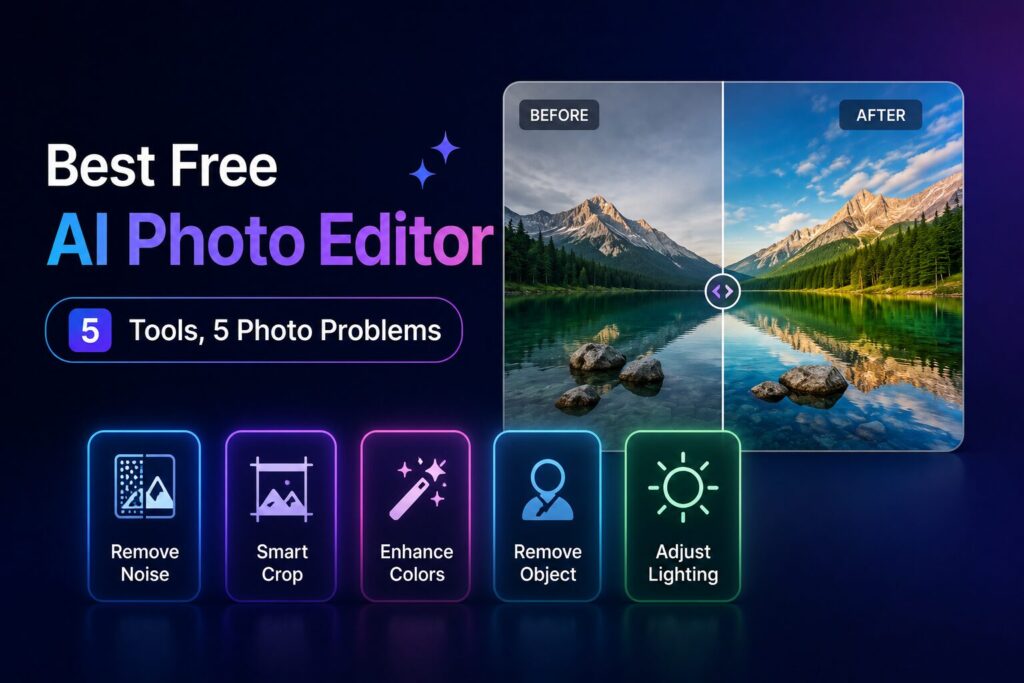
Before the full breakdown, here is your complete AI photo editing apps 2026 reference table. Bookmark this — it is the only chart you need when you open a photo and don’t know which tool to reach for.
| Photo Problem | Best AI Photo Editing App | Free Tier? | Time to Result |
|---|---|---|---|
| Blurry / out-of-focus | Topaz Photo AI | ✅ Trial available | ~30 seconds |
| Cluttered background | Remove.bg | ✅ Yes (HD output free) | ~5 seconds |
| Old / low-res photo | Fotor AI Enhancer | ✅ Yes (no signup needed) | ~15 seconds |
| Flat colour / exposure | Snapseed | ✅ 100% free | ~60 seconds |
| Portrait retouching | YouCam Perfect | ✅ Free tier available | ~20 seconds |
Every tool in this list has a genuinely usable free tier — not a “free” tier that watermarks every output or blocks the essential function behind a paywall. That distinction matters because the most commonly cited complaint across Reddit photography threads in 2026 is tools that advertise as free but gate the actual result.
Now here’s the part most comparisons skip entirely — what each tool does at a technical level, and the one specific workflow step where each earns its place.
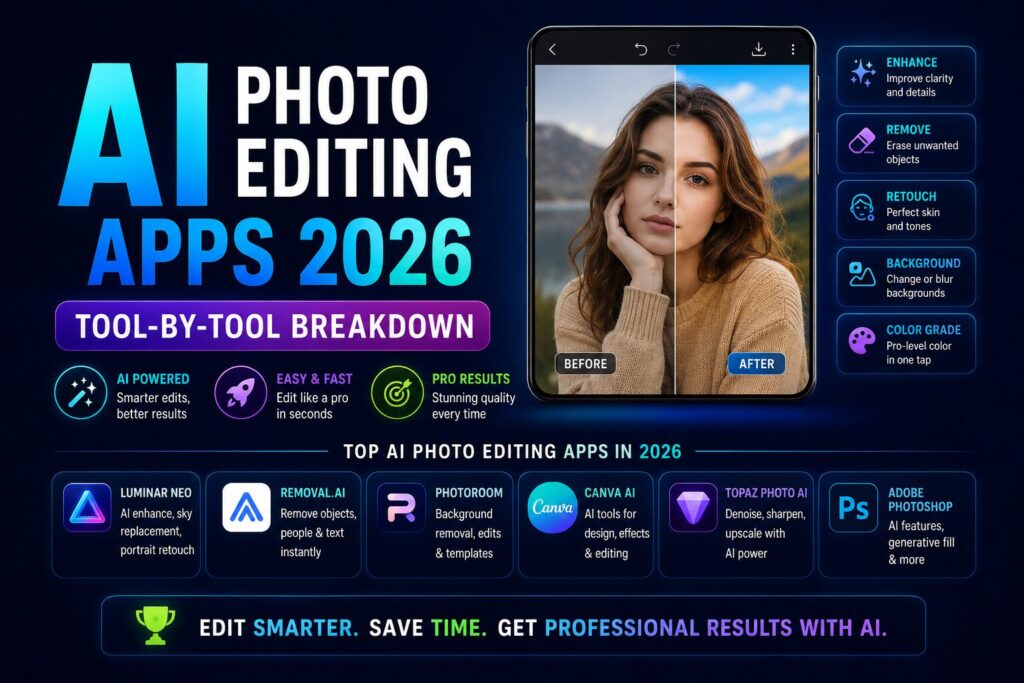
Topaz Photo AI is the professional standard for sharpening and resolution recovery. It allows upscaling from 0.2x to 6x with a maximum long side of 32,000px — well above anything you would need for print or digital use — and its autopilot system automatically detects the type and amount of degradation before applying corrections.
The free trial processes real images without requiring payment details upfront. The paid version is $199 per year ($21/month on annual billing) and covers deblur, sharpening, upscaling up to 600%, and noise reduction — all from a single interface. For occasional personal use, the trial handles most single-image fixes. For photographers processing client work regularly, the annual plan is the benchmark against which every other upscaler gets measured.
Key Features:
Best For: Professional photographers, print work, and any image requiring significant resolution recovery.
Remove.bg remains the fastest dedicated background remover. It excels at portraits — faces, hairlines, and shoulders are handled with impressive precision for single images.
The free tier delivers HD output without watermarks and without requiring account creation — drag, drop, and download a clean transparent PNG. The limitation is volume: heavy users encounter credit limits that push toward a paid plan. For creators who already live in Canva, the built-in background remover handles most use cases without switching tools. For pure edge-quality and single-image precision, Remove.bg is the faster, cleaner choice.
Key Features:
Best For: Product photos, portraits, e-commerce images, and any use case requiring clean subject isolation.
Fotor is the most versatile free entry point. Its AI upscaler is completely free to use with no sign-up required, converting images to 2x or 4x resolution in one click.
The full Fotor AI editor goes further — fixing blur and sharpening details, correcting overexposed or underexposed lighting, repairing and restoring old photos, and removing backgrounds using AI image segmentation that handles complex edges including hair. For non-designers who want a single free tool that covers most everyday photo problems without creating an account, Fotor is the strongest starting point in this entire list.
Key Features:
Best For: Beginners, occasional users, and anyone who wants a single tool for multiple common photo problems.
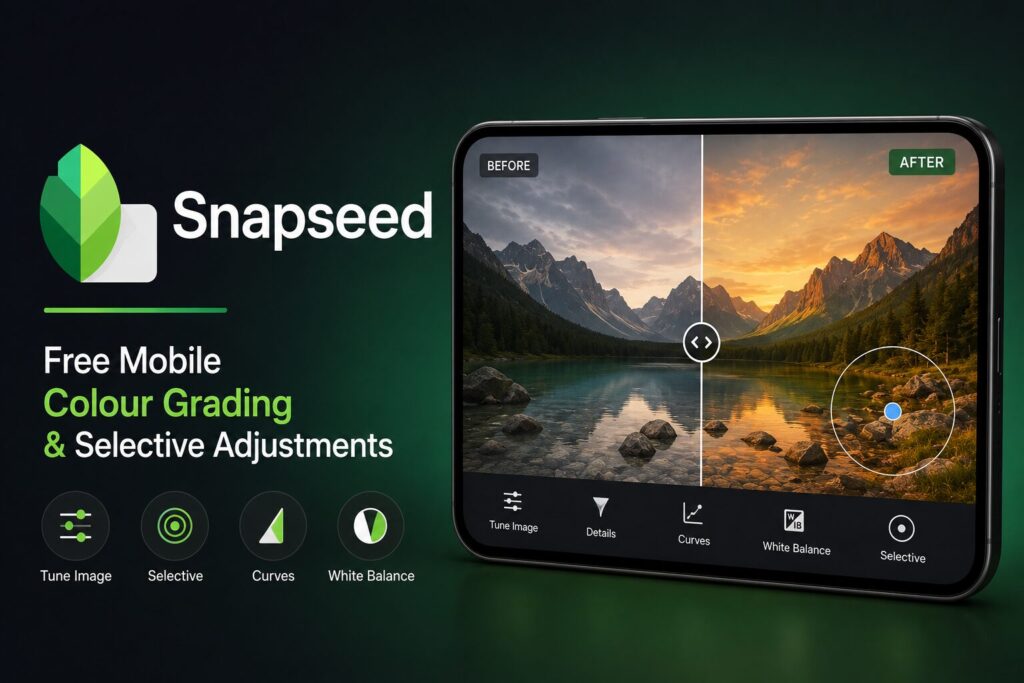
Snapseed holds a specific position in the AI photo editing toolkit that no other tool replicates at its price: completely free, no subscriptions, no in-app purchases, and no advertisements — ever.
Its selective adjustment brush lets you paint exposure, contrast, or saturation corrections onto specific areas of a photo — a feature that differentiates it from one-click AI tools that apply global corrections only. The limitation worth noting: Snapseed lacks modern AI automation like automatic background removal and generative fill available in paid competitors. It is the right tool for colour work and manual refinement, not for object removal or resolution recovery.
Key Features:
Best For: Mobile photographers, anyone needing precise colour corrections, and users who want full control without subscription costs.
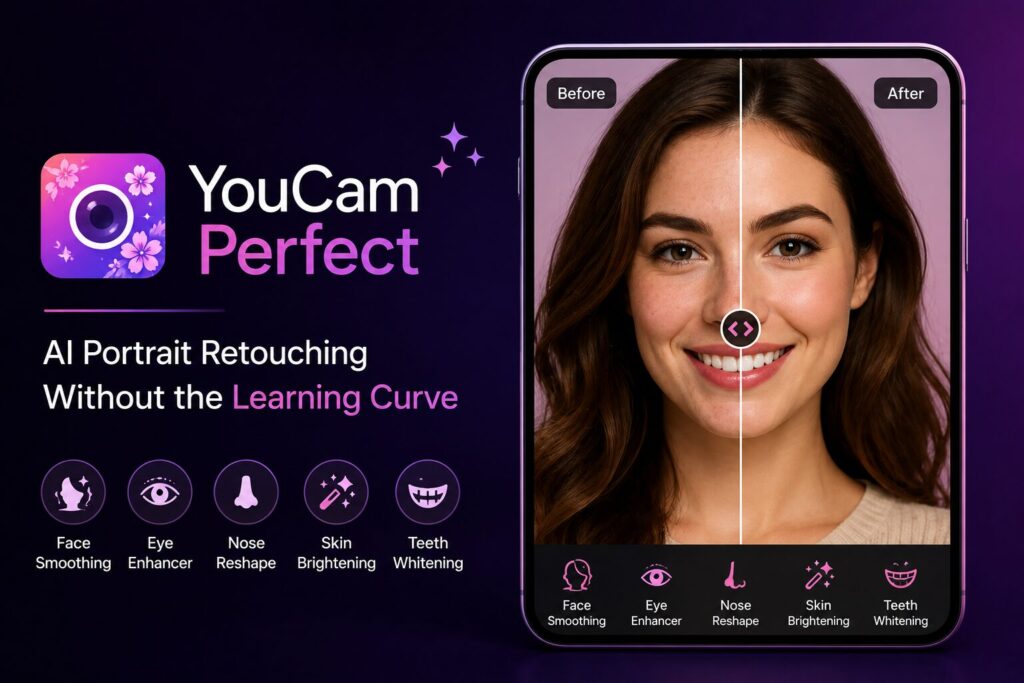
YouCam Perfect is the highest-rated dedicated portrait tool for mobile users. Its free version gives access to AI tools including object removal and beautification — and the underlying AI Agent feature has become the most-referenced portrait editing tool in Gen Z and Millennial creator communities.
The specific workflow it dominates: upload a portrait, let the AI automatically smooth skin, remove blemishes, and balance facial lighting, then download. No manual brush work, no layer management, no design knowledge required. For content creators posting to Instagram or TikTok who need professional-looking portrait quality from phone-camera shots, this tool closes the gap fastest.
Key Features:
Best For: Social media content creators, selfies, portraits, and anyone who wants professional-looking headshots without editing skills.
Old photos — scanned prints from the 1980s and 1990s, faded family photographs, low-resolution JPEG archives — represent the use case where AI photo editing delivers its most visually dramatic results.
The documented workflow using free tools for old photo restoration follows four steps:
For photographers printing large-format work from old or low-resolution sources, Topaz Gigapixel’s 6x enlargement with retained detail remains the professional standard — processing locally with no file size limit and no upload privacy concern. For personal family photo restoration, Fotor’s free tier handles most use cases without requiring a paid plan.
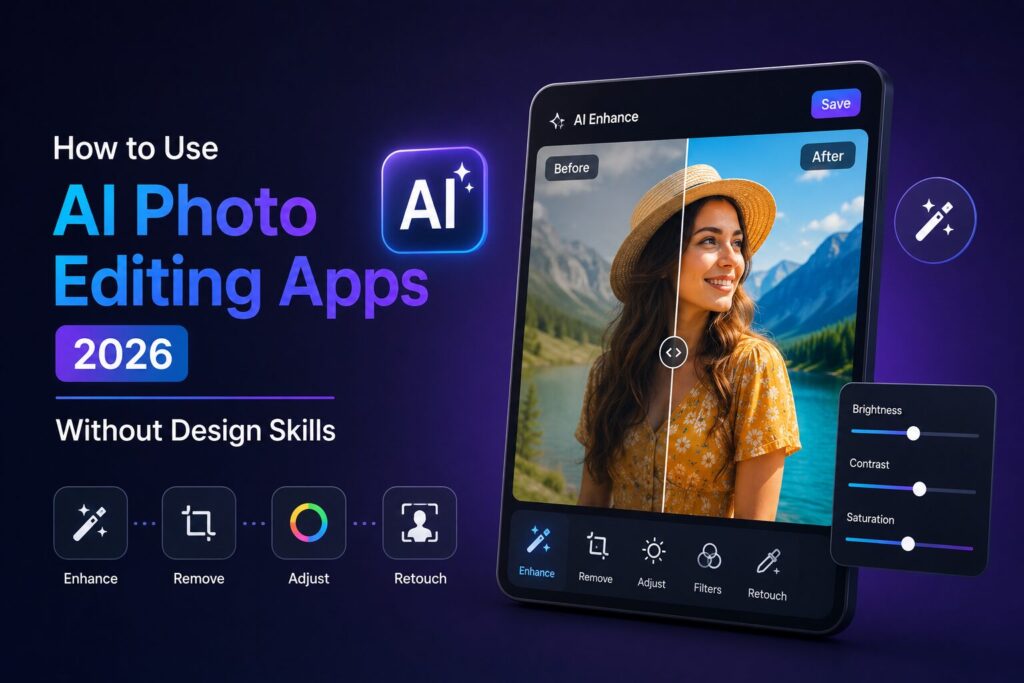
The most common reason people avoid AI photo editing is the assumption that it requires design knowledge. None of the five tools in this guide require any technical skills. Here is the exact starting sequence for a complete beginner:
Step 1 — Identify your photo problem first. Open the reference table above, match your problem to the tool, and open only that tool. The biggest mistake beginners make is opening a full-featured editor like Lightroom before knowing what specific problem they are trying to fix.
Step 2 — Upload the highest-resolution version you have. Every tool listed here improves results with higher-quality source files. A 4000px original produces a dramatically better enhancement output than a 800px compressed export.
Step 3 — Use the one-click or autopilot function first. Topaz, Fotor, and YouCam all offer automated processing modes. Run the autopilot before manually adjusting anything — in most cases, the automatic result requires no further refinement.
Step 4 — Export and compare at full size. Download the result and zoom to 100% before deciding whether additional editing is needed. Results that look perfect at thumbnail size sometimes reveal edge artifacts at full resolution.
Using the wrong tool for the problem. Applying a portrait retouching app to a landscape photo, or an upscaler to an already-sharp image, produces worse results than no editing at all. The task-mapped table in this guide exists specifically to prevent this.
Starting with a compressed or low-resolution source. AI tools can enhance and recover detail — they cannot generate detail that was destroyed by compression before the upload. Always work from the original file, not a resized copy shared via WhatsApp or social media.
Over-processing portraits. YouCam Perfect and Fotor’s portrait tools produce natural-looking results at default settings. Users who apply maximum intensity on all sliders simultaneously produce the plastic-skin, over-smoothed look that undermines the purpose of AI editing. Start at the default and reduce intensity if the result looks artificial.
Ignoring free-tier export limitations. Several AI tools deliver full-quality previews but watermark or downsize the download on free plans. Fotor’s upscaler and Remove.bg both offer genuinely watermark-free free downloads. Always check the exported file — not the in-browser preview — before concluding the result is usable.
The task-mapped approach—matching specific problems to specific tools—is practical and saves users from downloading three apps and still staring at the same bad photo. However, the AI photo editing landscape in 2026 has evolved far beyond this paradigm. While knowing which tool fixes which problem remains valuable, the real story of 2026 is the emergence of conversational editing, spatial manipulation, and the blurring line between creation and correction.
The most significant shift in 2026 is that editing is no longer a process—it’s an instruction. Google Photos exemplifies this transformation, removing the need to think of editing as a separate workflow altogether. With natural language-based editing now expanding to countries including India, Australia, and Japan, users can simply type or speak commands like “remove John’s sunglasses” or “make Sarah smile.” The editing happens automatically.
This conversational approach is being embraced across the ecosystem. Apple’s WWDC 2026 announcements introduced AI-powered tools that give users “effortless powers of manipulating images,” while Adobe Firefly now features AI Markup—allowing users to draw, annotate, and add text prompts to show exactly how they want their picture to change. The days of sliders, curves, and layer masks are giving way to simple, spoken intent.
Perhaps the most mind-bending advancement in 2026 is spatial reframing. Apple’s new “Reframe” feature lets users use AI to reframe images after they’ve been taken—essentially “repositioning” the camera and changing the shooting angle with a two-finger gesture. Want a crooked horizon straightened without cropping anything important? The “Extend” tool expands images using generative AI to fill in blank spaces.
Google is pursuing similar territory with its “Auto frame” feature, which allows users to re-imagine photos from a new perspective after capture. This isn’t just editing; it’s re-composing reality. The technology combines 3D scene and camera estimation with generative inpainting, effectively letting photographers fix compositional mistakes that were previously permanent.
In 2026, the boundary between image creation and image editing has dissolved. Apple’s revamped Image Playground now supports photorealistic image generation alongside expanded editing capabilities. Users can describe changes to existing images or use touch gestures like tapping, circling, or brushing to highlight specific objects.
Google’s new Pics app—announced at I/O 2026—lets users generate everything from social media graphics to marketing materials using simple text prompts, taking on established players like Canva. Meanwhile, Alibaba’s Qwen-Image 2.0, quietly released in February 2026, represents one of the largest AI image models of the year, capable of both creating images from text and editing them in one unified system.
The most sophisticated development is the emergence of AI agents that understand what you mean, not just what you say. Adobe Research’s RetouchIQ, presented at CVPR 2026, is an experimental AI editing agent that translates descriptive intent into precise, executable adjustments in professional editing software. On a 300-image benchmark, it achieved the highest scores in both semantic consistency and perceptual quality.
This represents a fundamental leap: instead of telling the tool how to edit (brightness +10, contrast -5), you tell it how the photo should feel—and the AI figures out the technical adjustments needed to achieve that vision.
These innovations are arriving in a rapidly growing market. The AI Image Editor market is valued at $88.7 billion in 2025**, with a projected CAGR of 15.7%. The broader photo editing software market is expanding from **$3.11 billion in 2025 to a projected $5.16 billion by 2032. Consumer trust is increasingly tied to visual quality—87% of shoppers cite high-quality visuals as the most important factor in purchase decisions.
The 2026 AI photo editing landscape is no longer about finding the right tool for a specific problem—it’s about finding the right interface for your intent. Whether you’re speaking commands to Google Photos, spatially reframing with Apple, or describing your creative vision to an AI agent like RetouchIQ, the fundamental question has shifted from “which app do I open?” to “how do I describe what I want?”
The tools listed in this guide remain excellent for their specific use cases. But the frontier has moved beyond task-mapping. The future of AI photo editing is conversational, spatial, and intelligent—editing that doesn’t feel like editing at all.
The best AI photo editors depend on the specific photo problem you’re solving. For blur and upscaling: Topaz Photo AI. For background removal: Remove.bg. For overall free one-click enhancement and old photo restoration: Fotor AI Enhancer. For colour grading on mobile: Snapseed (100% free). For portrait retouching: YouCam Perfect. Using one specialist tool for a specific task consistently produces better results than using one general-purpose editor for everything.
Fotor AI Enhancer is the strongest free starting point — it handles enhancement, upscaling to 4K, background removal, and exposure correction without requiring an account or payment. For portraits specifically, YouCam Perfect’s free tier delivers professional-quality retouching results that previously required paid desktop software. Both are fully functional for everyday use.
Yes — but with an important constraint. Tools like Topaz Photo AI recover sharpness from motion blur, camera shake, and soft focus by generating likely detail using trained models. Topaz’s combination of upscaling, sharpening, and deblur makes it the most capable photo enhancement application currently available for rescue-level blur correction. However, extreme blur or compression artifacts limit how much any AI tool can recover — the quality of the original capture sets the ceiling.
Remove.bg and Fotor both deliver watermark-free, full-resolution background removal on their free tiers as of June 2026. Remove.bg offers HD output free with no account required, making it the fastest frictionless option for single-image background removal. For users already working in Canva, the built-in background remover handles most use cases without leaving the platform. For complex hair-edge precision, Remove.bg produces the cleanest free results.
For the five specific tasks covered in this guide — blur fix, background removal, upscaling, colour grading, and portrait retouching — the tools listed here produce results that are genuinely sufficient for social media, personal use, and most small-business content needs. Photoshop remains the right tool for complex compositing, precise layer-based editing, and professional print production. For everyone else, the free tools in this list deliver professional-quality results on everyday tasks without the learning curve or monthly subscription cost.
The best AI photo editors aren’t the most full-featured ones. They are the ones you actually use, because you know exactly which photo problem each one solves.
Three things to carry forward:
The difference between a forgettable phone photo and something you would actually post, print, or send to a client is now one tool, one click, and under 60 seconds. The tools in this guide make that accessible to anyone — no design degree, no expensive software, no wasted afternoon.
Bookmark this page before your next photo edit — the reference table in Section 2 is the one thing you will actually use again.
Leave a comment below — which photo problem do you struggle with most?
P.S. — AICAP publishes one practical AI tools guide every week at AICAP.in — no spam, no recycled lists, no hype. Just tools that people are actively using right now.
All figures, statistics, and market data in this guide are sourced from publicly available reports, industry studies, and platform documentation from 2026.
| Category | Sources Used |
|---|---|
| Tool Data | Official documentation (Topaz Photo AI, Remove.bg, Fotor, Snapseed, YouCam Perfect) |
| Market Data | AI Image Editor market reports, photo editing software market analysis |
| Industry Trends | Google I/O 2026 announcements, Apple WWDC 2026, Adobe Firefly announcements |
| Research Data | Adobe Research RetouchIQ (CVPR 2026), Alibaba Qwen-Image 2.0 |
All figures presented in this guide meet one or more of the following verification criteria:
The data in this guide represents the most current publicly available information as of June 2026. However, features, pricing, and availability may change. We recommend verifying specific details through official documentation before making decisions based on this guide.
All figures are sourced from publicly available reports, industry benchmarks, and platform documentation from 2026. Features and pricing may change.
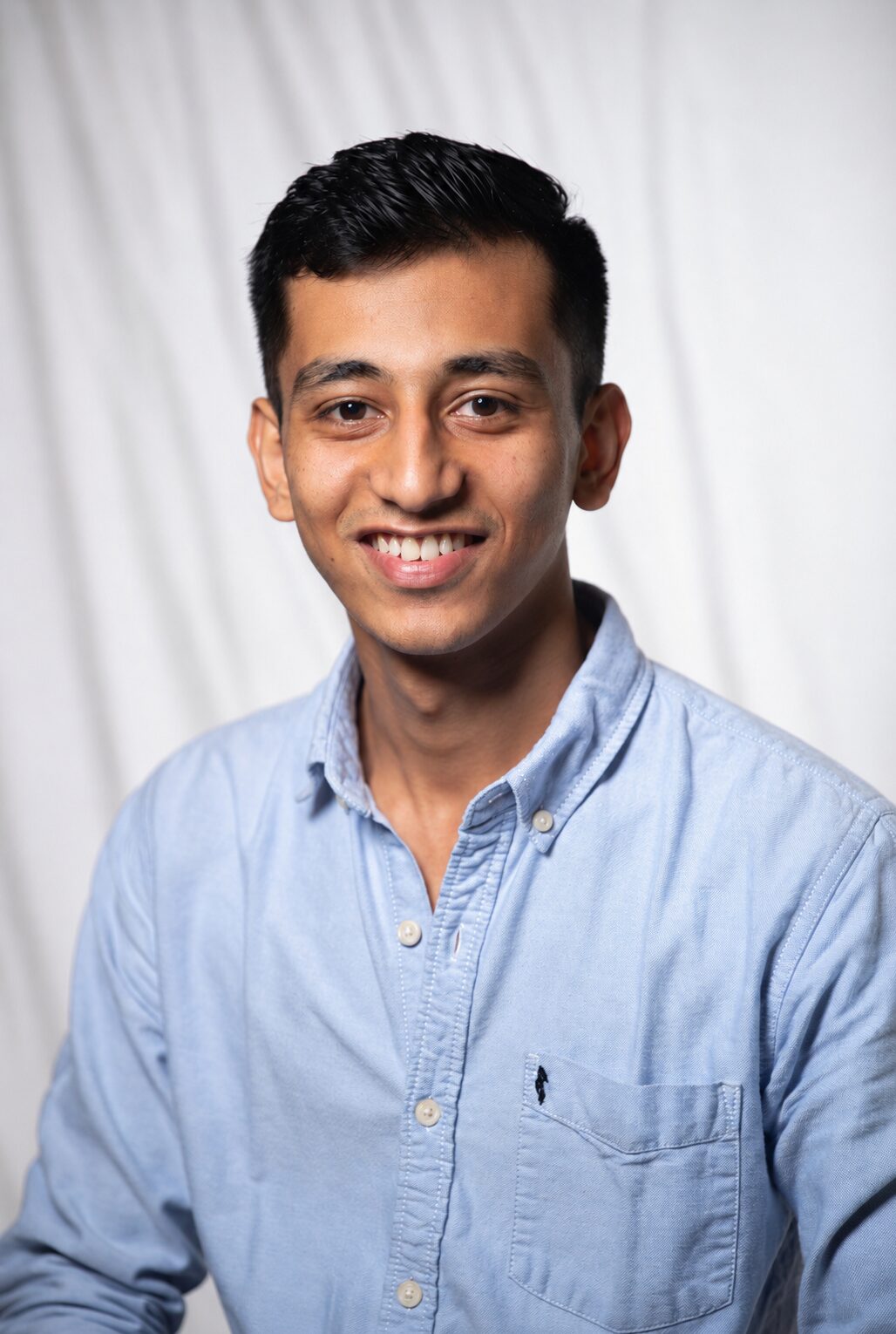
Salman Shaikh is the founder and editor-in-chief of AiCap.in, an independent AI and personal finance publication based in Ahmedabad, India.
Since launching AiCap.in in April 2026, Salman has personally tested and reviewed 100+ AI tools across income generation, crypto research, content creation, and personal finance — publishing 91+ hands-on guides based on real usage, not press releases.
His approach is simple: every tool he writes about is one he has opened, tested, and either used to earn money or rejected after finding it didn’t deliver. He started AiCap.in after realising most AI content in India was either written by people who had never touched the tools, or buried in technical jargon that everyday people couldn’t act on.
His work covers AI tools for passive income, freelancing with AI, crypto research workflows, Amazon FBA with AI, and personal finance strategies built for readers in India and accessible to anyone globally looking to earn smarter with AI.
AiCap.in now reaches a growing community of readers across India and globally who want practical, jargon-free AI strategies they can implement today.
Connect with Salman: LinkedIn · X @AiCap88 · YouTube · Medium





[…] photography prompts, AI photo editing filters, and brand-style visuals are in high […]